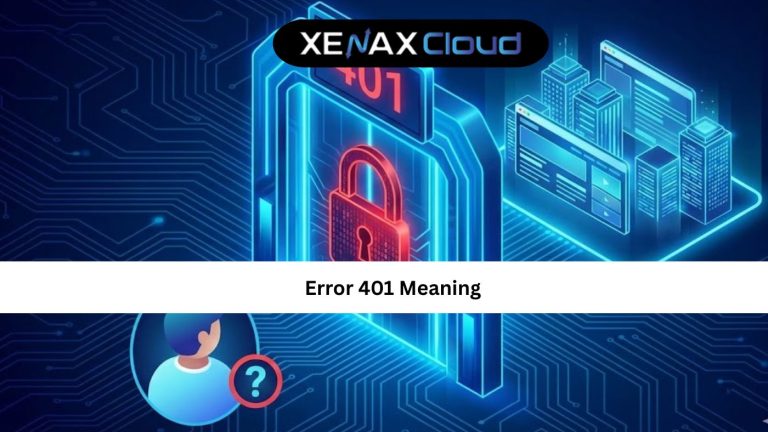
When a user opens your website and suddenly sees 401 Unauthorized, it feels confusing and frustrating. This error can affect SEO, conversions, and customer trust. Understanding the 401 meaning helps you identify what is happening before visitors leave.
The 401 meaning in simple words: Your server is refusing access because the request lacks valid authentication.
This error appears when login credentials are missing, expired, or incorrect. Sometimes, it happens due to server misconfiguration, expired tokens, or hosting limitations.

Today, global businesses expect instant access and high uptime. Website errors like status code 401 damage brand reputation and user experience. That is why hosting infrastructure matters.
India is becoming a global hosting hub. Hosting on Indian servers gives international users low latency across Asia, cost efficiency, strong data regulations, and scalable infrastructure. A strong hosting configuration prevents recurring authentication errors like 401 Unauthorized, especially when handling global traffic.
With reliable Indian hosting providers like XenaxCloud, you get optimized server settings, security layers, and authentication stability that reduces the chances of frequent status code 401.
What Does Status Code 401 Mean?
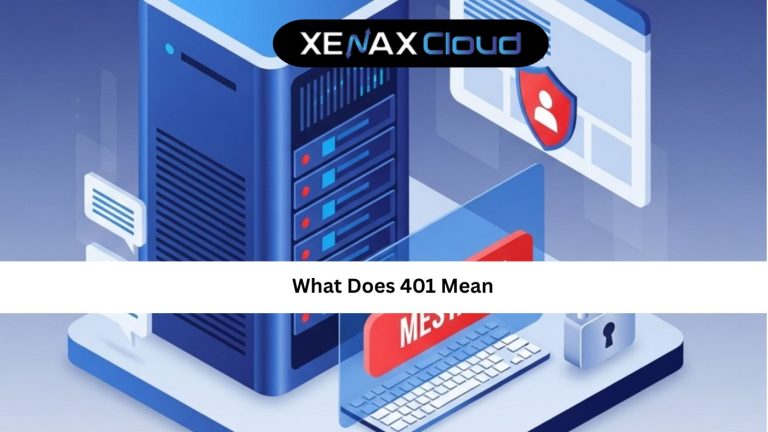
The 401 meaning is tied to HTTP authentication. When a browser sends a request to a server, the server verifies identity. If that verification fails, the server generates status code 401.
401 meaning in technical terms:
The server understands the request but refuses to authorize it without valid credentials.
401 error meaning for non-technical users:
Your login is missing, incorrect, or expired.
Most common triggers of status code 401 include:
- Wrong username or password
- Expired authentication token
- Missing authorization headers
- Restrictive firewall or security plugin settings
- Hosting-level caching conflicts
If your hosting server is slow, overloaded, or misconfigured, authentication requests may time out, causing unwanted 401 Unauthorized messages.
How Does Hosting Cause or Prevent Status Code 401?
You now know the 401 meaning, but here is the part most users miss:
Hosting quality directly affects authentication.
Cheap hosting often limits:
- API requests
- Login session cache
- Security modules
- Firewall configuration
This leads to authentication failures and frequent status code 401.
XenaxCloud solves this by providing:
- Dedicated resources
- Advanced authentication control
- High-speed SSD NVMe storage
- Support for global traffic patterns
Their VPS systems allow full configuration of authentication headers and firewall rules, meaning fewer 401 Unauthorized errors.
VPS hosting here:
https://xenaxcloud.com/vps-server/
Comparison: Indian Hosting vs Other Regions
Here is a practical, persuasive comparison. No competitor names, only regions.
| Region | Latency & Speed | Scalability | Support Quality |
|---|---|---|---|
| India | Very fast in Asia; globally competitive | Flexible, instant upgrades | 24/7 personalized support |
| US | Strong for North America | Good but slower setup | Ticket-based support |
| Germany | Stable for Europe | Rigid upgrade structure | Email support, limited chat |
| Canada | Fast for North America | Moderate scalability | Average support response |
| UAE | Good latency for Middle East | Limited high-performance plans | Support availability varies |
Indian hosting is a smart move for businesses that want to scale globally without paying premium hosting prices.
Real-world Use Cases
| Use Case | Why Hosting Matters |
|---|---|
| eCommerce login sessions | Slow session caching triggers status code 401 |
| SaaS dashboard authentication | Needs stable token validation |
| API-based applications | Requires firewall and CORS stability |
| Admin panels (WordPress / CMS) | Plugins may break authentication |
A shared hosting plan like Gold is enough for simple login-based websites.
For API and authentication-heavy applications, VPS like KVM VPS 3 is ideal.
Scalability: From Blogger to Agency
XenaxCloud allows instant upgrades with no downtime.
Start small:
Budget Hosting StartUpHost — 2 Websites, 5GB Storage, 25GB Bandwidth — see current pricing
Scale up when required:
SPEED KVM VPS 1 — 2 vCore, 4GB RAM, 40GB Storage, 2TB Bandwidth — see current pricing
No configuration loss. No complications.
FAQs (SEO optimized)
What is the difference between Indian VPS and foreign VPS?
How to choose the right server for my business?
Is Indian hosting cost-effective for international users?
Can Indian servers handle global website traffic?
Conclusion
Understanding the 401 meaning helps you solve login issues faster. This error appears when authentication fails. But in many cases, unstable hosting, slow servers, or misconfigured firewalls make it worse.
Indian servers offer global performance at a lower price. With XenaxCloud, you get:
- High-speed hosting
- Scalable plans
- Authentication stability that reduces frequent status code 401
Whether you are a beginner, agency, or developer building secure applications, XenaxCloud has an ideal hosting plan. Every plan includes a 15-day money-back guarantee, so trying is risk-free.
Latest discounts and deals are always available at the
XenaxCloud Offers Page: https://xenaxcloud.com/shared-hosting/
Ready to eliminate errors and upgrade your performance?
Start hosting with XenaxCloud today.