Searching for a free Windows VPS often leads to disappointment because these services typically lack the dedicated resources required to run a modern operating system. While they might appear useful for quick tests, the lack of stability and low hardware specifications make them unsuitable for any meaningful or long-term tasks.
This article explains why substandard hosting fails to meet professional standards, how much RAM you actually need for Windows, and why choosing Indian infrastructure is better for local performance. We also provide a guide on selecting a reliable Windows VPS hosting plan for your specific project needs.
Why is a free Windows VPS often unreliable?
A free Windows VPS is usually unreliable because providers use heavily oversold hardware that lacks the dedicated CPU and RAM necessary to maintain a stable connection. When multiple users compete for the same limited resources, the entire system becomes sluggish or crashes entirely.
The risk of shared resources
Most free providers do not offer true isolation. In a professional environment, your resources are guaranteed, but in a free setup, you are often sharing a single physical CPU core among dozens of users. This leads to noisy neighbor syndrome, where one person running a heavy process slows down everyone else on the node.
To understand the impact of resource starvation, consider this comparison of typical resource allocation:
| Resource Type | Oversold Environment | Professional KVM VPS |
|---|---|---|
| CPU Allocation | Shared/Burst only | Dedicated vCPU threads |
| RAM Access | Swapping to slow disk | Dedicated DDR4/NVMe RAM |
| Disk I/O | Low priority/Throttled | High-speed SSD/NVMe |
| Network Latency | High and unpredictable | Low and stable |
Why uptime is rarely guaranteed
Free services rarely offer any stability for your connection. Because the providers have no financial incentive to maintain 24/7 availability, they often take servers offline for unscheduled maintenance or simply let them crash under load.
If you are running a task that requires a constant connection, such as a remote desktop session or a background automation script, these frequent disconnections will break your workflow. For anyone moving beyond basic curiosity, transitioning to a reliable vps server with Windows is the only way to ensure your work remains accessible.
How much RAM does a Windows VPS actually need?
A Windows VPS typically requires at least 4 GB of RAM to operate the operating system and basic background services without constant freezing. For any workload involving multiple applications, databases, or heavy web traffic, 8 GB or more is the professional standard to ensure stability.
Minimum requirements for Windows Server 2022
Windows Server 2022 is a resource-heavy operating system compared to Linux. While Microsoft lists lower theoretical minimums, those figures only cover the bare OS with no room for user applications. In a real-world setting, the OS itself will consume a significant portion of your available memory just to manage the GUI and system processes.
If you attempt to run a Windows environment on less than 4 GB, you will likely experience extreme latency during Remote Desktop Protocol (RDP) sessions. This makes the interface feel unresponsive, as the system spends more time moving data between the RAM and the much slower disk storage, a process known as swapping, than actually executing your commands.
Why 4 GB is the baseline
We consider 4 GB the absolute baseline because it provides enough breathing room for the OS and one lightweight application to coexist. To help you decide on a configuration, consider this breakdown of memory usage for a typical small business setup:
| Component | Estimated RAM Usage |
|---|---|
| Windows Server OS (Idle) | 1.5 GB to 2.5 GB |
| RDP Session & Desktop GUI | 0.5 GB to 1 GB |
| Basic Application (e.g., small database) | 1 GB |
| Total Required for Stability | ~3.5 GB to 4.5 GB |
Picture a Delhi-based accounting firm that needs to run Tally. If they use an unverified low-resource server, the latency makes typing invoices sluggish. By upgrading to a Speed KVM VPS 1 with 4 GB RAM and dedicated CPU, they reduce input lag to near-zero, allowing their staff to work as if the server were in the next room. For more complex needs, you should look at Windows RDP plans that offer higher memory tiers.
| Plan | vCPU | RAM | SSD storage | Bandwidth | Price |
|---|---|---|---|---|---|
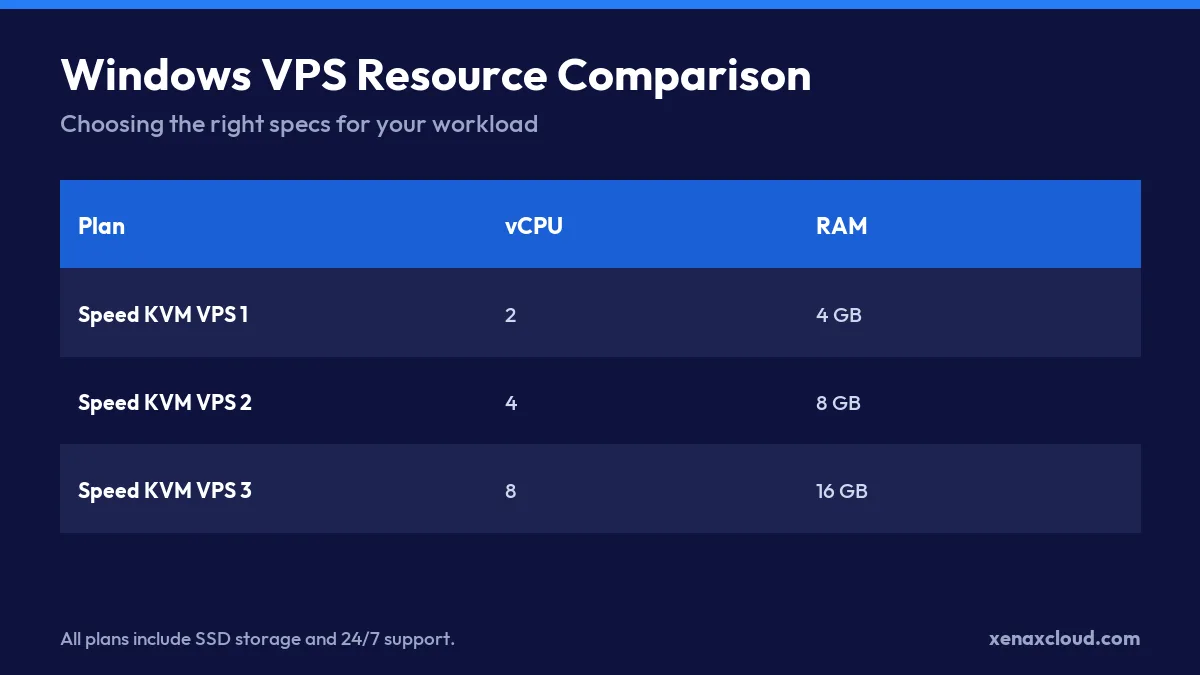
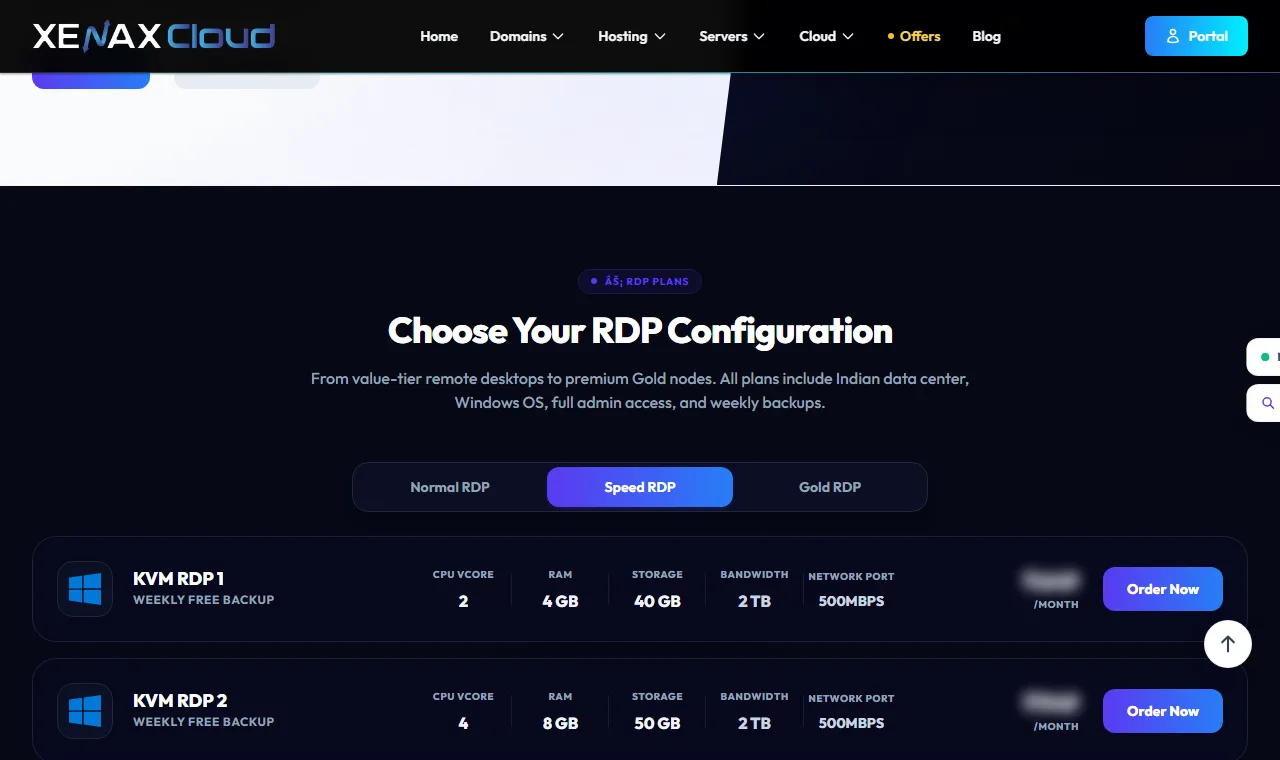
| Speed KVM VPS 1 | 2 | 4 GB | 40 GB | 2 TB | ₹599/mo |
| Speed KVM VPS 2 | 4 | 8 GB | 50 GB | 2 TB | ₹799/mo |
| Speed KVM VPS 3 | 8 | 16 GB | 70 GB | 4 TB | ₹1,399/mo |
| Speed KVM VPS 4 | 12 | 24 GB | 80 GB | 6 TB | ₹1,799/mo |
| Speed KVM VPS 5 | 16 | 32 GB | 100 GB | 8 TB | ₹2,399/mo |
| Speed KVM VPS 6 | 20 | 40 GB | 120 GB | 10 TB | ₹2,999/mo |
| Speed KVM VPS 7 | 24 | 48 GB | 150 GB | 10 TB | ₹3,499/mo |
| Speed KVM VPS 8 | 32 | 64 GB | 200 GB | 10 TB | ₹4,599/mo |
Every Speed VPS: KVM, full root, 500 Mbps port, weekly backup included, Indian data centre. Monthly, billed in INR. cPanel licence not included.
What are the benefits of using a Windows VPS in India?
Hosting a Windows VPS in an Indian Tier-III data centre ensures the lowest possible latency for users in the region. This proximity reduces the physical distance data must travel, which is critical for Remote Desktop Protocol performance where every millisecond of lag impacts productivity.
Reduced latency for Indian users
When you use a server located in India, you avoid the round-trip delay associated with routing traffic to North America or Europe. For a user in Mumbai accessing a server in the same region, the latency might be 10 to 30 ms, whereas a server in New York could exceed 250 ms.
To see the difference in real-time, you can use the ping command in your terminal:
ping 8.8.8.8The output shows the time in milliseconds. A high number here means your mouse clicks and keystrokes in a Windows RDP session will feel delayed. By choosing a professional Windows VPS hosting provider with local infrastructure, you ensure the interface remains snappy and responsive.
Compliance with local data standards
Storing data within Indian borders helps businesses comply with the Digital Personal Data Protection Act 2023. Many sectors, including finance and healthcare, require that sensitive citizen data remains hosted on local soil to ensure better sovereignty and legal oversight.
For those needing high-performance local resources, we offer various configurations. Here is how our Speed KVM VPS series scales for different Indian workloads:
| Plan | vCPU | RAM | SSD Storage | Bandwidth |
|---|---|---|---|---|
| Speed KVM VPS 1 | 2 | 4 GB | 40 GB | 2 TB |
| Speed KVM VPS 2 | 4 | 8 GB | 50 GB | 2 TB |
| Speed KVM VPS 3 | 8 | 16 GB | 70 GB | 4 TB |
Using local infrastructure is the most reliable way to avoid the pitfalls of a free windows vps server and ensure your business operations remain stable.
How to choose the right Windows VPS for your project?
Choosing the right Windows VPS depends on matching your application’s resource demands with the server’s CPU and RAM capacity to avoid performance bottlenecks. You must decide if you need a lightweight environment for basic automation or a high-performance server for production workloads.
Assessing your CPU and storage needs
Your choice should be driven by the number of concurrent processes your application runs. A simple bot or a small website can run on 2 vCPUs, but database-heavy applications require more cores to handle simultaneous requests without freezing.
To determine your needs, we recommend this resource allocation checklist:
- Basic Automation and Light Apps: 2 vCPU, 4 GB RAM, 40 GB SSD.
- Medium Business Apps (e.g., CRM): 4 to 8 vCPU, 8 to 16 GB RAM, 50 to 70 GB SSD.
- Heavy Workloads and Multiple Users: 12+ vCPU, 24+ GB RAM, 80+ GB SSD.
If you are unsure, you can check your current local resource usage in Windows Task Manager by pressing Ctrl+Shift+Esc. If your CPU usage consistently hits 80 percent on your local machine, you will need a plan with at least the same number of cores to maintain stability.
Why root access is essential
Full root or administrator access is critical because it allows you to modify the registry, install system-level drivers, and manage security firewall rules. Without these permissions, you cannot optimize the OS for your specific software or install essential updates.
For those who need complete control over their environment, KVM VPS provides the necessary isolation and administrative rights. This ensures that your server remains a private, secure environment where you have total authority over the configuration.
What should you look for in a professional hosting provider?
A professional hosting provider must provide continuous technical assistance, automated data protection, and transparent service terms to ensure your business operations never stall. Relying on unstable or unverified services often leads to unexpected downtime and permanent data loss.
The importance of 24/7 support
You need a provider that offers support through multiple channels like tickets, live chat, and WhatsApp to resolve issues immediately. When a server configuration error occurs, waiting hours for an email response can halt your entire workflow. Professional providers ensure that technical experts are available around the clock to handle emergencies.
Why automated backups are a must
Automated backups protect you from human error, software corruption, and security breaches by creating regular copies of your data. Instead of manually copying files, a reliable service like Xenax Cloud includes weekly free snapshots for its KVM VPS plans. This means if a Windows update fails or a file is accidentally deleted, you can restore your environment to a previous working state quickly.
To help you decide which level of protection and resource density you need, consider this comparison of our core infrastructure features:
| Feature | Speed KVM VPS | Windows RDP | Dedicated Server |
|---|---|---|---|
| Support | 24/7 Tickets/Chat/WhatsApp | 24/7 Tickets/Chat/WhatsApp | 24/7 Tickets/Chat/WhatsApp |
| Backups | Weekly free snapshots | Available via support | Managed via IPMI/Custom |
| Data Centre | Tier-III India | Tier-III India | Tier-III India |
| Access Level | Full Root/Admin | Full Administrator | Full Root/IPMI |
Free Windows VPS: FAQs
Is there a truly free Windows VPS that lasts forever?
No, truly free Windows VPS services are rarely stable or permanent. Most free providers oversell their resources, leading to high latency and frequent crashes, which makes them unsuitable for professional work.
Can I use a Windows VPS for hosting a website?
Yes, you can host a website on a Windows VPS using software like Internet Information Services or Apache. However, for those who only need web hosting without server management, our Shared Hosting or WordPress Hosting plans are more efficient options.
What is the refund policy for Windows VPS hosting?
We provide paid plans backed by a 15-day money-back guarantee for most hosting and VPS plans. Please see the refund policy for exact terms and eligibility criteria.
What is the difference between Shared Hosting and a Windows VPS?
Shared Hosting places multiple users on one server sharing the same resources, which is ideal for simple websites. A Windows VPS provides dedicated resources and full administrator access, allowing you to run custom software and manage the OS.
How do I access my Windows VPS after purchase?
You access your Windows VPS using the Remote Desktop Protocol via a Remote Desktop Connection client. We provide the IP address, username, and password so you can log in to your dedicated Windows desktop from any device.
For reliable, high-performance remote work, we recommend the Speed KVM VPS 1 or our dedicated Windows RDP plans, with see the refund policy for exact terms.