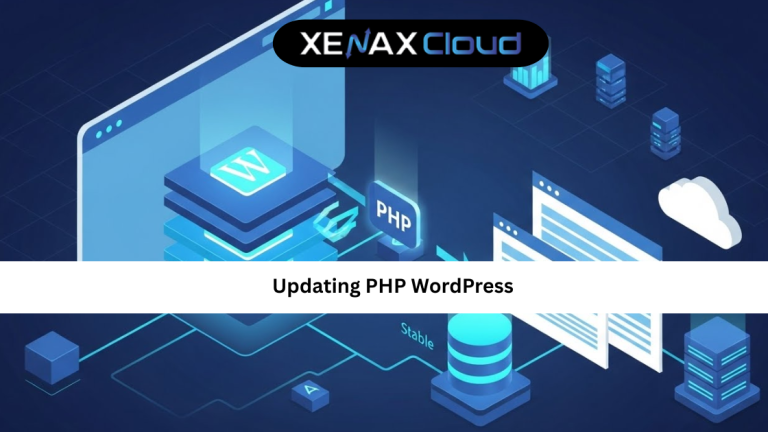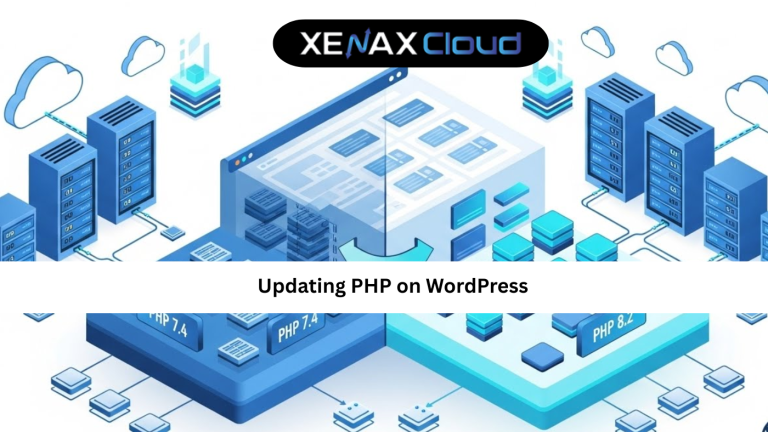
Updating PHP on WordPress is one of the most important maintenance tasks for any website, yet it is often ignored until something breaks. PHP is the core programming language behind WordPress, and its version directly affects how fast, secure, and stable your site feels to users across the world.
Globally, WordPress powers blogs, business websites, and enterprise platforms. As traffic grows and cyber risks increase, running outdated PHP versions becomes risky. Slow load times, plugin conflicts, and security vulnerabilities usually start here.
That is why understanding updating PHP on WordPress is not just a technical task. It is a business decision that impacts performance, trust, and growth.

Understanding PHP and Its Role in WordPress
PHP is the language WordPress uses to process requests, load pages, and communicate with the database. Every time someone visits your site, PHP works behind the scenes to generate what they see.
When PHP versions improve, they bring better performance, memory handling, and security fixes. Updating PHP on WordPress ensures your site benefits from these improvements without changing your content or design.
Older PHP versions still work, but they are slower and no longer receive security updates. This means hackers already know their weaknesses. Newer WordPress themes and plugins are also tested mainly on modern PHP versions, making compatibility another key reason to update.
In simple terms, PHP is the engine of your WordPress site. Updating it keeps that engine efficient and safe.
Preparing Your Site Before Updating PHP on WordPress
Preparation is the most critical part of any updating PHP on WordPress tutorial. Skipping this step is the main reason updates fail.
Start with a full backup of your website. This includes files and the database. If anything goes wrong, you can restore your site within minutes.
Next, update WordPress core, themes, and plugins. Outdated plugins are the most common cause of PHP compatibility issues.
Check plugin and theme documentation for supported PHP versions. If a plugin has not been updated in years, consider replacing it before proceeding.
If possible, use a staging environment to test the update. This allows you to identify issues without affecting live visitors.
Step-by-Step Updating PHP on WordPress Tutorial
This updating PHP on WordPress tutorial focuses on the most common and beginner-friendly method using a hosting control panel.
Log in to your hosting dashboard and open the PHP version manager. You will see a list of available PHP versions supported by your host.
Select the recommended stable version that aligns with your WordPress setup. Apply the changes and wait a few seconds. Most hosting platforms switch PHP instantly without downtime.
After updating, clear your website cache and browser cache. Visit key pages, test forms, and log in to the admin area.
If you notice any issues, revert to the previous PHP version and investigate plugin or theme conflicts. This rollback option is why choosing the right host matters.
Speed, Uptime, and Security Benefits After Updating PHP
One of the biggest reasons for updating PHP on WordPress is performance. Newer PHP versions process requests faster and use server resources more efficiently.
This results in quicker page loads and a smoother admin dashboard. Faster websites improve user experience and search engine visibility.
Security is another major benefit. Updated PHP versions include fixes for known vulnerabilities. This reduces the risk of exploits and data breaches.
From an uptime perspective, modern PHP versions are more stable and handle errors better. Combined with reliable Indian hosting infrastructure, this creates a strong foundation for long-term website stability.
Common Issues and How to Fix Them After PHP Updates
Even with preparation, some sites face issues after updating PHP on WordPress. The most common problem is plugin incompatibility.
If your site shows errors or a blank page, enable WordPress debug mode to identify the issue. Usually, updating or replacing the problematic plugin resolves it.
Themes built on outdated code may use deprecated PHP functions. Switching to a modern theme or updating the existing one fixes this.
Database-related issues are rare but usually linked to outdated extensions. A good hosting support team can help resolve these quickly.
Scalability Options for Startups and Agencies
Startups often begin with small WordPress sites and grow rapidly. Updating PHP on WordPress becomes easier when your hosting supports scaling.
Shared Hosting plans like Silver — 1 Website, 15GB Storage, 100GB Bandwidth — see current pricing work well for early stages.
As traffic increases, Gold — 3 Websites, 25GB Storage, 500GB Bandwidth — see current pricing or Platinum — 10 Websites, 100GB Storage, 1000GB Bandwidth — see current pricing offer better performance.
Agencies managing multiple sites benefit from VPS plans that provide dedicated resources and control for PHP testing and updates.
Frequently Asked Questions
What is the difference between Indian VPS and foreign VPS?
Can Indian servers handle global website traffic?
Is Indian hosting cost-effective for international users?
How reliable is XenaxCloud hosting?
How to choose the right server for my business?
Conclusion
Updating PHP on WordPress is one of the easiest ways to improve website speed, security, and compatibility without redesigning your site. When done correctly, it reduces risks and prepares your website for future updates.
Indian hosting infrastructure makes this process smoother with cost-effective plans, reliable uptime, and global connectivity. XenaxCloud combines these strengths with WordPress-optimized hosting, expert support, and a 15-day money-back guarantee.
If you want a faster and safer WordPress website, now is the time to act. Buy hosting from XenaxCloud today and always check the latest deals available on the XenaxCloud Offers Page.