If you manage a website or work with servers, you have likely seen an error message that simply says “401 Unauthorized.” Many users panic when this happens, but the reality is simpler than it looks. Understanding what does 401 mean can save time, prevent downtime, and help you fix access issues quickly.
The 401 error appears globally across websites, APIs, dashboards, and hosting control panels. It is not limited to any country or platform. Whether you are a developer in Europe, a business owner in Asia, or a startup serving global users, this error directly affects how users access protected resources.
Indian hosting infrastructure plays a key role here. With secure authentication systems, compliant server setups, and cost-effective infrastructure, Indian servers provide a reliable environment to manage access-controlled applications at scale while maintaining global performance.

What Does 401 Mean in HTTP?
To clearly understand what does 401 mean, we need to look at how the web works. The 401 error is an HTTP status code that tells the browser one thing: authentication is required, and the request was not authorized.
In simple terms, the server is saying, “I know you are here, but you are not allowed in without valid credentials.” This could be a username and password, an API token, or a session key.
The 401 error meaning is often confused with permission issues, but it is strictly related to authentication, not authorization. If credentials are missing, expired, or incorrect, the server responds with status code 401.
401 Error Meaning Explained for Non-Technical Users
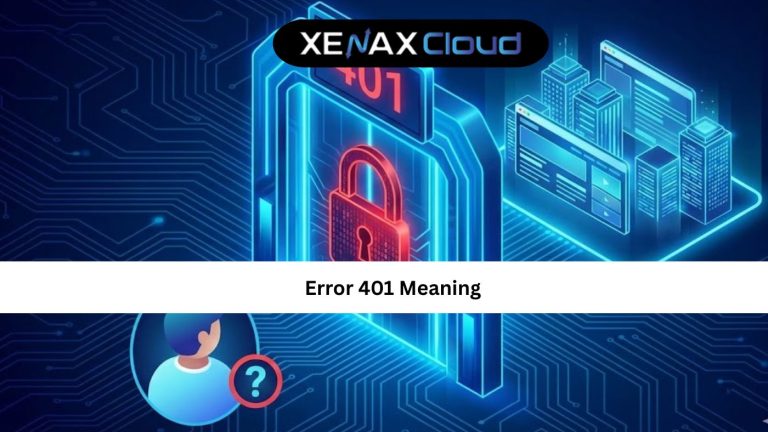
For non-technical users, the 401 error meaning can be explained as a locked door. The door exists, but you need the correct key to open it.
This usually happens when login sessions expire, browser cookies are cleared, or credentials are entered incorrectly. It can also occur when accessing admin panels, APIs, or restricted directories without proper authentication.
Understanding this distinction helps users avoid unnecessary troubleshooting and focus on the actual issue: verifying login details or session validity.
Common Causes of Status Code 401
The status code 401 is triggered by several common scenarios. The most frequent cause is invalid login credentials. This includes wrong usernames, passwords, or expired authentication tokens.
Another cause is session timeout. Many hosting environments automatically expire sessions to improve security. When this happens, the server demands re-authentication.
Misconfigured server authentication rules can also cause this issue. Incorrect .htaccess rules, API key mismatches, or improperly secured directories often lead to repeated 401 errors.
How to Fix a 401 Error Step by Step
Fixing a 401 error starts with checking credentials. Ensure that usernames, passwords, and API keys are correct and active.
Next, clear browser cache and cookies. Old session data often conflicts with server authentication systems.
If the error persists, check server authentication settings. On hosting servers, this includes verifying access rules, authentication headers, and user permissions.
For websites hosted on reliable platforms, these issues are easier to diagnose due to better logging and support systems.
Real-World Use Cases of 401 Errors
401 errors commonly appear in admin dashboards, REST APIs, private file directories, and client portals. Developers often see them while testing APIs or deploying applications.
Businesses experience 401 errors when employees attempt to access restricted dashboards without proper permissions. This is not a failure but a security feature.
For agencies managing multiple clients, understanding what does 401 mean helps resolve access issues quickly and maintain client trust.
Scalability and Access Control for Growing Businesses
As businesses grow, authentication becomes more complex. More users, more roles, and more access rules increase the chance of misconfigurations.
Scalable hosting environments allow authentication systems to grow without breaking. This is essential for startups, SaaS platforms, and agencies managing multiple users.
Reliable hosting makes it easier to scale access securely while minimizing authentication-related errors.
Best Hosting Choice for Avoiding Access Errors
For websites and applications where authentication matters, stable hosting is essential. Shared Hosting – Silver works well for small protected websites.
For applications with frequent authentication requests, VPS hosting offers more control and stability.
To explore VPS solutions suitable for secure applications, visit:
https://xenaxcloud.com/vps-server/
FAQs
What does 401 mean in simple terms?
Is 401 error a server problem?
What is the difference between 401 and 403?
Can a 401 error affect SEO?
How reliable is XenaxCloud hosting for secure sites?
Conclusion
Understanding what does 401 mean helps website owners, developers, and businesses resolve access issues quickly and securely. The 401 error is not a failure but a protective mechanism that keeps systems safe.
With reliable Indian hosting, strong authentication support, and a 15-day money-back guarantee, XenaxCloud provides a secure foundation for global websites and applications.
Latest deals and offers are always available on the XenaxCloud Offers Page:
https://xenaxcloud.com/vps-server/