Managing a WordPress website often means switching between menus, settings pages, and plugins. For site owners, developers, and agencies, this back-and-forth can slow daily work. A command bar for WP admin plugin solves this problem by letting you search, navigate, and execute tasks from one central command interface.
Globally, WordPress powers millions of websites, and speed matters everywhere. Whether you manage a blog, business site, or multiple client projects, saving even a few seconds per task adds up. This is where modern admin productivity tools and strong hosting infrastructure work together.
Indian hosting infrastructure has matured significantly. Today, Indian servers offer cost-effective plans, low latency across Asia, competitive global speeds, strong security standards, and easy scalability for international businesses. When a command bar plugin is paired with reliable Indian hosting, WordPress management becomes smoother and faster for users worldwide.
In this guide, you will learn how a command bar for WP admin plugin works, how to choose the right one, and how hosting performance directly impacts its effectiveness.

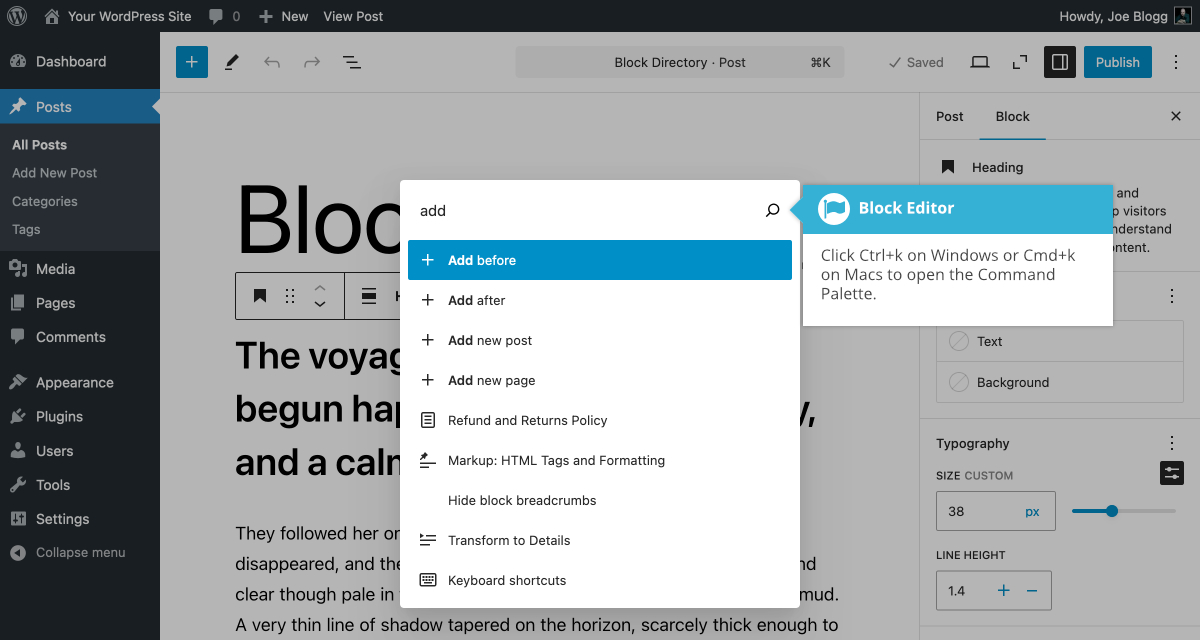
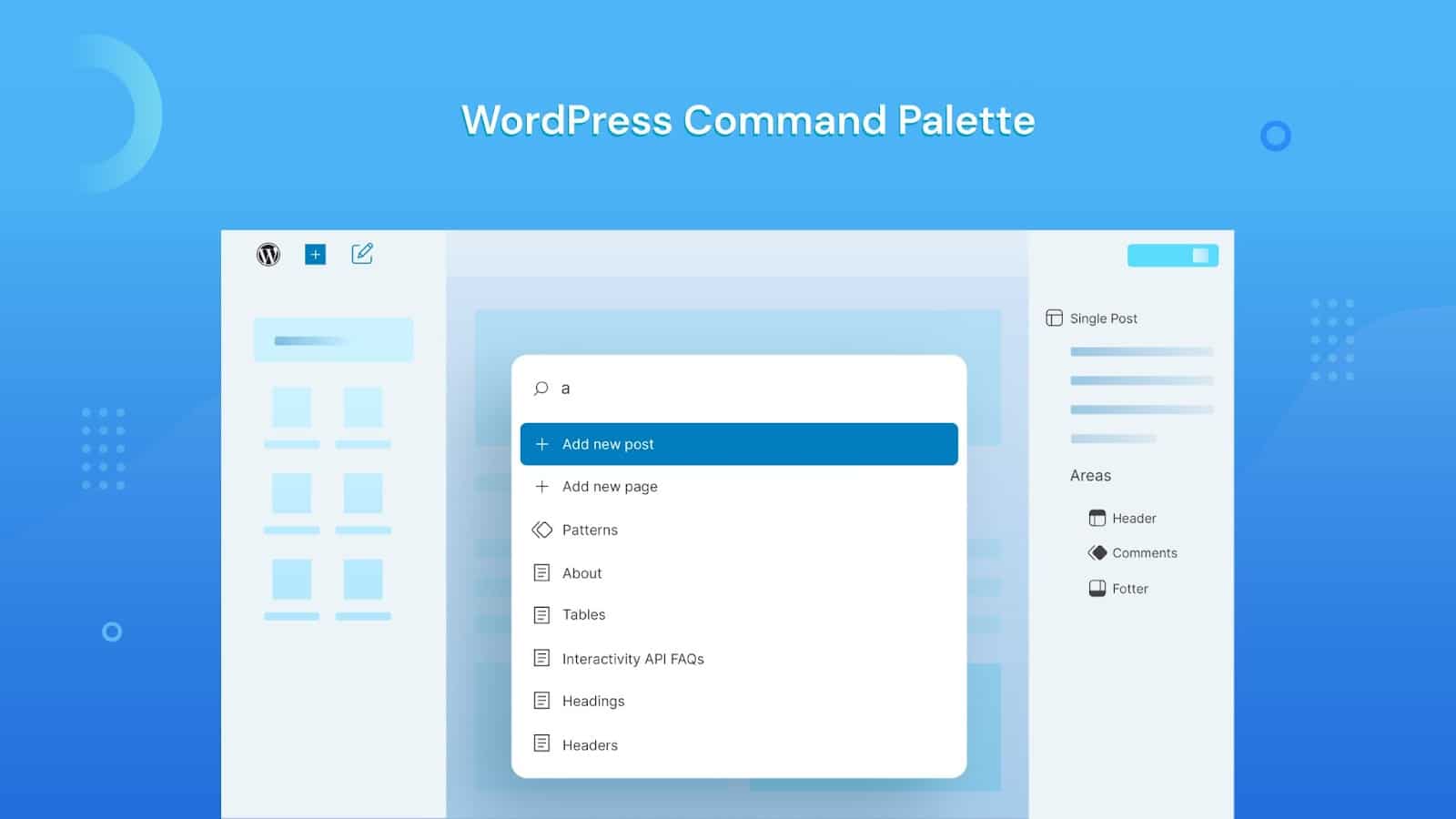
What Is a Command Bar for WP Admin Plugin?
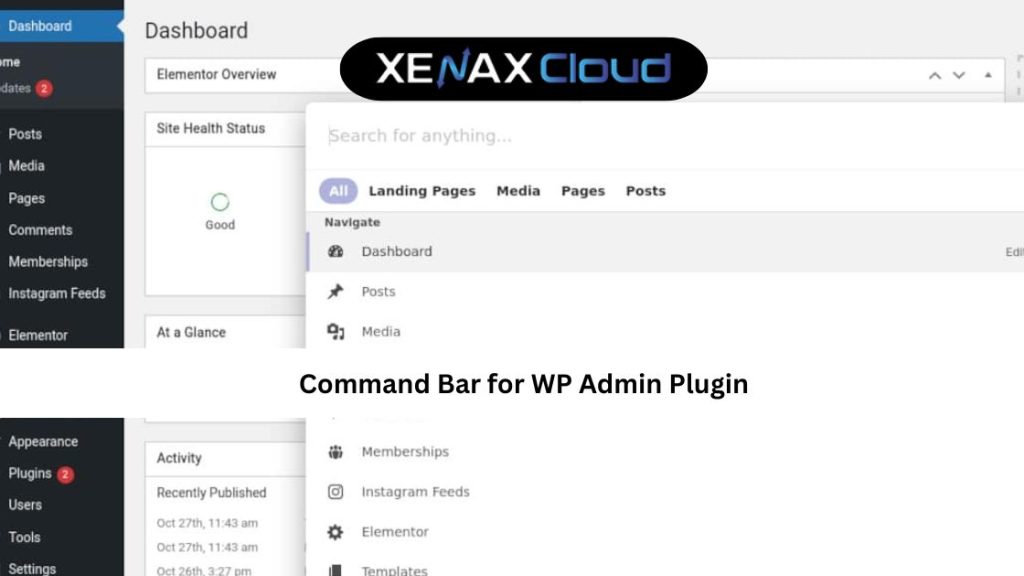
A command bar for WP admin plugin is a productivity tool that adds a searchable command interface inside the WordPress dashboard. Instead of clicking through menus, you can type commands to open pages, edit posts, manage plugins, or adjust settings.
For non-technical users, it feels like a smart search box. For developers and agencies, it acts like a command palette that speeds up complex workflows. Most plugins activate with a keyboard shortcut, making navigation almost instant.
These plugins are especially helpful on content-heavy or plugin-rich websites. As your site grows, the WordPress admin menu becomes crowded. A command bar reduces clutter and improves control, regardless of your technical background.
How to Choose the Right Command Bar for WP Admin Plugin
Choosing the right command bar plugin depends on your workflow, website size, and hosting environment. Not all plugins are built the same, and performance varies.
Start by checking compatibility. The plugin should support the latest WordPress version and work smoothly with popular page builders and security plugins. Compatibility issues often show up on slower servers, so hosting quality matters.
Next, evaluate search accuracy. A good command bar should instantly find posts, pages, settings, and plugin actions. Delayed or incomplete results reduce its usefulness.
Customization is another key factor. Some plugins allow custom commands, shortcuts, or role-based access. This is useful for agencies managing multiple users.
Finally, consider server performance. A command bar makes frequent backend requests. On optimized hosting, these actions feel instant. On overloaded servers, even the best plugin feels slow. This is why choosing reliable hosting is just as important as choosing the plugin itself.
Speed, Uptime, and Security Advantages with Indian Hosting
A command bar plugin relies heavily on backend speed. Every search query and action interacts with the server. Indian hosting providers now offer modern infrastructure with SSD storage, optimized databases, and reliable uptime.
Speed is the first advantage. Indian data centers provide low latency across Asia and competitive response times for Europe and the Middle East. This ensures fast admin operations even for global teams.
Uptime is equally important. Frequent admin access requires stable servers. Indian hosting environments commonly maintain consistent uptime, reducing disruptions during content updates or maintenance tasks.
Security also plays a role. Command bar plugins often access sensitive admin areas. Secure hosting with firewalls, malware protection, and regular updates protects your dashboard from threats.
Together, fast speed, strong uptime, and security create an ideal environment for using productivity-focused WordPress admin plugins.
Why Indian Servers Can Handle Global WordPress Traffic Efficiently
Many assume Indian servers only suit local traffic. This is no longer true. Modern Indian data centers use global network routes and optimized peering to serve international visitors efficiently.
For WordPress admins, this means backend access remains responsive even when logging in from different regions. Content delivery networks can further enhance frontend speed, while the admin panel benefits directly from server responsiveness.
Indian servers are also scalable. As your website traffic grows, you can upgrade resources without migrating to another country. This stability is valuable for agencies and SaaS-based WordPress projects.
With the right hosting setup, Indian servers provide a balanced mix of affordability and global performance, making them suitable for international WordPress management.
Comparison: Indian Servers vs Foreign Hosting Regions
Below is a neutral performance comparison to help you understand how Indian servers stand against popular foreign regions.
| Feature | India | USA | Canada | Germany | UAE |
|---|---|---|---|---|---|
| Asia Latency | Very Low | High | High | Medium | Low |
| Global Speed | Competitive | Strong | Strong | Strong | Competitive |
| Uptime Reliability | High | High | High | Very High | High |
| Provisioning Speed | Fast | Fast | Medium | Medium | Fast |
| Support Availability | 24/7 | 24/7 | Limited | 24/7 | 24/7 |
Indian servers stand out for Asian performance, fast provisioning, and consistent support while remaining globally competitive.
Real-World Use Cases for Command Bar Plugins
For bloggers, a command bar speeds up post editing, media management, and plugin updates. Instead of navigating menus, tasks complete in seconds.
For businesses, admin efficiency reduces maintenance time. Marketing teams can quickly update landing pages, while managers handle settings without technical delays.
Developers benefit the most. Managing custom post types, debugging plugins, and navigating large admin dashboards becomes faster. This is especially helpful on staging and production environments.
Agencies managing multiple WordPress sites save hours each week. When combined with stable hosting, command bar plugins turn WordPress into a more professional workflow platform.
Scalability Options for Startups and Agencies
As startups grow, their WordPress setup becomes more complex. More users, plugins, and content increase backend load. A command bar plugin helps manage complexity, but hosting must scale alongside.
Shared hosting works well for early-stage projects. As traffic and admin activity increase, VPS hosting offers dedicated resources and better control.
Indian hosting providers make scaling affordable. You can start small and upgrade seamlessly without migrating data across regions. This flexibility supports long-term growth for startups and agencies alike.
Recommended Hosting Plans for Best Results
For beginners and small websites using a command bar for WP admin plugin, Shared Hosting Silver or Gold plans provide enough resources for smooth admin performance.
Growing businesses and agencies should consider VPS hosting for better speed and isolation. VPS environments handle frequent backend requests more efficiently.
You can explore a reliable and optimized option through XenaxCloud’s
👉 Shared Hosting: https://xenaxcloud.com/shared-hosting/
Latest deals and limited-time discounts are always available on the XenaxCloud Offers Page at https://xenaxcloud.com/offers.
Frequently Asked Questions
What is the difference between Indian VPS and foreign VPS?
Indian VPS offers lower latency in Asia and cost-effective scalability, while foreign VPS may suit region-specific audiences.
Can Indian servers handle global website traffic?
Yes, modern Indian servers efficiently handle global traffic using optimized routing and scalable infrastructure.
Is Indian hosting cost-effective for international users?
Indian hosting provides competitive pricing with strong performance, making it attractive for global users.
How reliable is XenaxCloud hosting?
XenaxCloud delivers stable uptime, secure infrastructure, and responsive support for WordPress websites.
How to choose the right server for my business?
Select hosting based on traffic volume, admin workload, scalability needs, and long-term growth plans.
Conclusion
A command bar for WP admin plugin is more than a convenience tool. It transforms how you manage WordPress by reducing clicks, saving time, and improving productivity. When paired with strong Indian hosting infrastructure, the results are even better.
Indian servers offer cost efficiency, low latency across Asia, reliable security, and scalability for global businesses. XenaxCloud combines these advantages with flexible hosting plans and real human support.
If you want a faster, smoother WordPress admin experience, now is the time to upgrade both your tools and hosting. Get started with XenaxCloud today and enjoy a 15-day money-back guarantee. Check the latest deals anytime on the XenaxCloud Offers Page and choose a hosting solution that grows with your business.