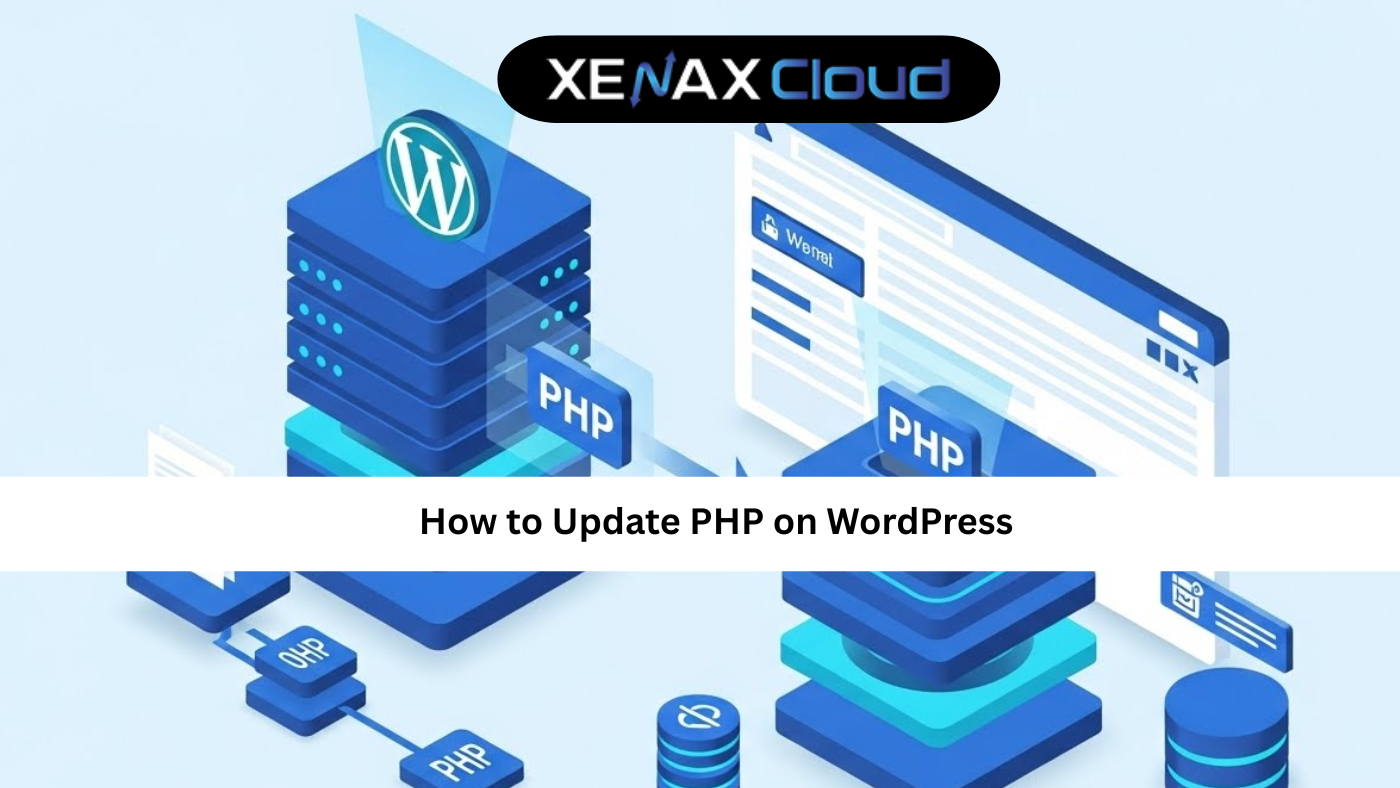
Knowing how to update PHP on WordPress is no longer optional if you want a fast, secure, and future-ready website. PHP is the core programming language behind WordPress, and outdated versions can silently slow your site, break plugins, or expose security gaps.
This topic matters globally because WordPress powers over 40 percent of the web. Businesses, creators, and developers across continents depend on stable PHP environments to deliver smooth user experiences. When PHP is outdated, even well-designed sites struggle to perform.
Indian hosting infrastructure has become a smart choice for WordPress users worldwide. It offers strong cost advantages, low latency across Asia, and competitive global performance. Modern Indian data centers follow strict security and compliance standards while supporting easy scalability for growing international businesses.
When PHP updates are combined with reliable Indian hosting, WordPress websites become faster, safer, and more resilient across global traffic conditions.
Understanding PHP and Why WordPress Updates Matter
PHP is the server-side language that processes WordPress requests before a page loads in the browser. Every plugin action, theme layout, and database request relies on PHP working efficiently.
Older PHP versions consume more server resources and execute code slowly. This affects page speed, admin responsiveness, and overall site stability. Newer PHP versions are optimized to handle tasks faster while reducing memory usage.
From a security standpoint, outdated PHP versions stop receiving official updates. This increases the risk of vulnerabilities, especially on sites with multiple plugins.
Understanding how to update PHP on WordPress is essential for long-term site health. It ensures compatibility with modern plugins, improves performance, and aligns your website with current web standards.
How to Update PHP on WordPress: A Practical Guide
This how to update PHP on WordPress guide focuses on safe, hosting-level updates rather than risky manual changes.
Most WordPress users update PHP through their hosting control panel. On shared hosting, this is typically done using tools like MultiPHP Manager or PHP Selector. These interfaces allow you to switch PHP versions without touching code.
Before updating, always check plugin and theme compatibility. Many WordPress dashboards show recommended PHP versions. Running a staging or test environment is ideal for business websites.
After selecting a newer PHP version, test your site thoroughly. Check page layouts, sliders, forms, and admin functions. If issues appear, you can roll back instantly.
This how to update PHP on WordPress tutorial approach ensures stability while improving performance.
Choosing the Right Hosting Plan for PHP Updates
Hosting quality directly affects how smoothly PHP updates work. Cheap or overloaded servers often restrict PHP version control, limiting flexibility.
For beginners and single-site owners, Shared Hosting Silver offers a balanced environment with stable PHP management tools. Sites with higher media usage benefit from Shared Hosting Gold or Platinum, which provide more resources for PHP execution.
Developers and growing businesses often require isolated environments. VPS hosting allows full control over PHP versions and configurations. This is ideal for custom WordPress builds or plugin testing.
XenaxCloud Shared Hosting is optimized for WordPress users who need safe PHP updates without technical complexity. You can explore suitable plans here:
https://xenaxcloud.com/shared-hosting/
Speed, Uptime, and Security Advantages of PHP Updates
Updating PHP has a direct impact on speed. Newer PHP versions execute code faster, reducing page load times and improving Core Web Vitals.
Uptime also improves because modern PHP handles traffic spikes more efficiently. This is especially important for sites using dynamic elements like sliders or forms.
Security is another major benefit. Updated PHP versions include patched vulnerabilities and improved encryption support, reducing the risk of attacks.
When hosted on Indian servers, these advantages scale globally. Indian data centers offer reliable uptime, strong network routing, and compliance with international standards. Combined with PHP updates, WordPress sites remain stable and secure worldwide.
Real-World Use Cases for Businesses and Developers
For eCommerce stores, updating PHP improves checkout speed and reduces cart abandonment. Faster server responses mean smoother transactions.
Agencies managing multiple WordPress sites rely on updated PHP to maintain compatibility across plugins and themes. This reduces maintenance time and client issues.
Content creators benefit from faster admin dashboards and smoother content publishing workflows after PHP upgrades.
Developers use updated PHP versions to test modern WordPress features and custom integrations. Stable hosting ensures these updates do not disrupt live environments.
Across use cases, knowing how to update PHP on WordPress helps maintain performance consistency and business reliability.
Why Indian Servers Handle PHP-Driven Traffic Efficiently
Indian servers are strategically positioned to serve Asia, the Middle East, and global regions efficiently. This makes them ideal for PHP-based WordPress websites with international audiences.
Modern Indian data centers use optimized hardware and network routing that supports fast PHP execution. This ensures quick server responses even during traffic spikes.
Scalability is another advantage. As PHP workloads increase, resources can be upgraded without migration delays.
For WordPress users managing global traffic, Indian hosting provides a reliable environment where PHP updates translate directly into real-world performance gains.
Scalability Options for Growing WordPress Websites
Startups often begin with shared hosting and basic PHP requirements. As traffic grows, resource demands increase.
Shared Hosting Platinum or Diamond plans support multiple sites and higher PHP workloads. They are suitable for agencies and content networks.
For advanced scalability, VPS hosting offers dedicated CPU and RAM. This ensures PHP processes remain isolated and stable.
Indian hosting infrastructure supports seamless scaling, allowing WordPress sites to grow without performance bottlenecks.
Indian Servers vs Other Regions: Performance Comparison
| Region | Latency in Asia | Global Reach | Uptime Reliability | Support Availability |
|---|---|---|---|---|
| India | Very Low | Strong | High | 24/7 |
| USA | Moderate | Strong | High | 24/7 |
| Canada | Moderate | Moderate | High | Limited |
| Germany | Moderate | Strong | High | Limited |
| UAE | Low | Moderate | High | Limited |
Indian servers combine low latency, strong global routing, and responsive support. This makes them well suited for PHP-driven WordPress websites serving international users.
Best Hosting Plans for PHP-Optimized WordPress Sites
For basic WordPress sites, Shared Hosting Silver is sufficient for PHP updates and daily operations.
Growing sites should consider Shared Hosting Gold or Platinum, which provide better resource allocation for PHP execution.
For advanced users and developers, VPS plans offer full PHP control and scalability.
Selecting the right plan ensures PHP updates deliver real performance improvements.
FAQs
What is the difference between Indian VPS and foreign VPS?
Indian VPS offers lower latency in Asia with competitive global performance, while foreign VPS focuses more on Western regions.
Is Indian hosting cost-effective for international users?
Indian hosting delivers strong performance and reliability at lower operational costs for global businesses.
How reliable is XenaxCloud hosting?
XenaxCloud provides stable uptime, secure infrastructure, and 24/7 technical support for WordPress sites.
How to choose the right server for my business?
Start with shared hosting for small sites and upgrade to VPS as PHP and traffic demands increase.
Conclusion
Understanding how to update PHP on WordPress is essential for maintaining speed, security, and compatibility. PHP updates directly improve performance and protect your site from outdated vulnerabilities.
Indian hosting infrastructure offers a powerful foundation for PHP-driven WordPress websites. With cost efficiency, global reach, and reliable scalability, XenaxCloud enables smooth PHP updates without complexity.
Backed by a 15-day money-back guarantee, XenaxCloud gives you confidence to optimize your WordPress site today. Explore hosting plans now and access the latest deals on the XenaxCloud Offers Page:
https://xenaxcloud.com/offers