Windows 10 end of support was on 14 October 2025. Since then Windows 10 PCs get no free security updates, so every new weakness found in Windows 10 stays open on your office machines. You can upgrade eligible PCs to Windows 11, buy new PCs, or keep old PCs as screens and run the actual work on a cloud Windows desktop.
This guide compares the options for a small Indian office and shows when the cloud desktop route saves money without leaving your data exposed.
What does the end of support mean for an office?
It means Microsoft no longer fixes security problems in Windows 10 for free. The PCs keep working, Tally keeps opening and Excel keeps saving, but malware that uses a newly found Windows 10 weakness can get in, and nothing will close that door.
Microsoft offers paid Extended Security Updates for organisations for a limited period. For a small office with a few PCs, the cost and setup of that programme usually make an upgrade or a cloud desktop the more practical choice.
The risk is highest on PCs that hold company data and browse the web all day: accounts PCs, billing counters and the owner’s laptop.
Can my PC upgrade to Windows 11?
Many PCs from the last five or six years can upgrade to Windows 11 for free. Windows 11 needs a supported processor, TPM 2.0 and Secure Boot. Microsoft’s PC Health Check app tells you in one click whether a PC qualifies.
You can also check TPM yourself. Press Windows + R, type tpm.msc and press Enter. If the window shows “Specification Version: 2.0”, the TPM part is fine. If it says no compatible TPM was found, the PC will not get the normal Windows 11 upgrade.
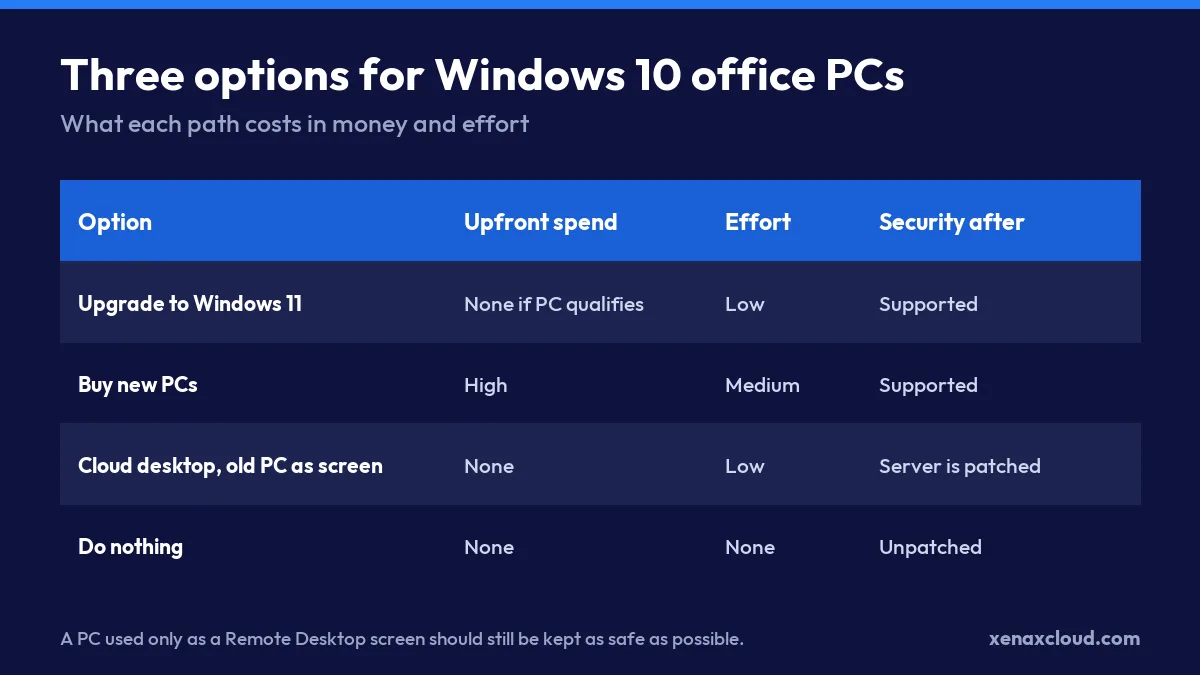
PCs that qualify should simply upgrade. The rest need one of the other two routes.
Should I buy new PCs or use a cloud desktop?
Buy new PCs when people need heavy local work, such as video editing or design. Use a cloud desktop when staff mostly run Tally, Excel, browsers, billing or CRM software, because those run just as well on a server and the old PC only has to show the screen.
| Situation | Our suggestion |
|---|---|
| PC qualifies for Windows 11 | Upgrade, no cost |
| Office work only, PC too old for Windows 11 | Cloud Windows desktop, old PC as a screen |
| Design, video or heavy local software | New PC |
| Many staff, mixed work | Upgrade what you can, cloud desktops for the rest |
A cloud desktop is a Windows Server machine in a data centre. Staff open it with the Remote Desktop app and work there, while the server gets regular Windows updates. We explain the idea in what is VDI.
How does a cloud desktop keep old PCs useful?
The old PC becomes a window into a modern, patched Windows server. Company files, Tally data and installed software live on the server, so the old PC’s disk holds nothing valuable and its age matters much less.
A worked example: a Ludhiana hosiery trader has five Windows 10 PCs, three of which fail the Windows 11 check. Instead of buying three new PCs, the owner rents one Windows server, moves Tally and the shared Excel files onto it, and gives each person a login. The three old PCs only run the Remote Desktop app. The two newer PCs upgrade to Windows 11 and connect the same way.
The old PCs are not perfectly safe, so reduce what they do: remove unused software, use a standard user account, avoid general web browsing on them and keep work inside the remote desktop. Our guide to RDP for Windows 10 covers the connection setup.
What does doing nothing cost?
Doing nothing costs nothing on day one, which is why many offices wait. The cost arrives later and all at once: a ransomware infection on one accounts PC can lock every shared folder it can reach, and a small office rarely has a clean, recent copy to restore.
Think through the real bill of one bad week:
- Billing stops while PCs are cleaned or rebuilt.
- Tally data has to be restored from the last backup, if one exists, and entries since then are typed again.
- Customer and supplier details on the PC may have been copied, which can create duties under India’s data protection rules.
- Staff time goes into recovery instead of sales.
Windows 10 end of support does not make the PCs useless; it makes them riskier every month, and that risk lands on the business, not on Microsoft. Compared with that, upgrading the PCs that qualify and moving the rest of the work to a patched server is a small, planned expense. Whatever you choose, keep a backup of company data that is not reachable from the office PCs, so one infected machine cannot reach it.
What about the office server?
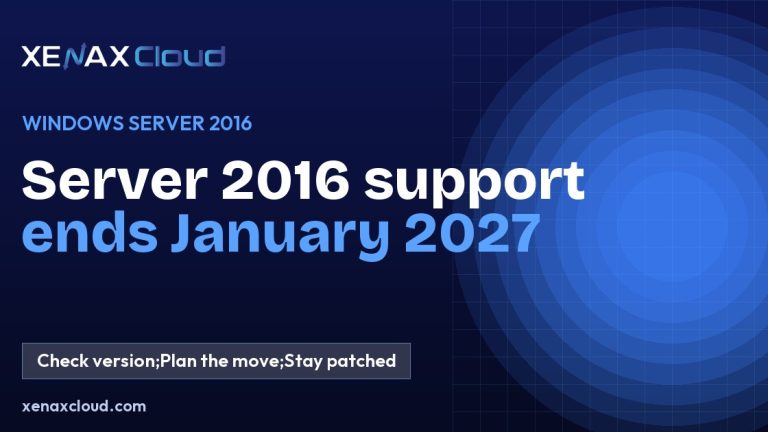
Check the server too. Windows Server 2016 stops getting security updates on 12 January 2027, so an office that fixes its PCs but keeps an old server has only solved half the problem. Our guide on Windows Server 2016 end of support explains how to check and move it.
How to move office work to a cloud desktop
Moving from Windows 10 PCs to a cloud desktop takes a few days of preparation and one evening of switching.
- List the software and files each person uses, with licence keys.
- Rent a Windows server sized for the number of people working at the same time.
- Install the software once on the server and copy company files to a shared folder.
- Create one login per person and test printing and Tally reports.
- Switch over after office hours and keep the PC copies for two weeks as a fallback. After that, wipe company files from the old PCs so nothing sensitive stays on machines that no longer get updates.
Windows Server allows two people to work at the same time; more simultaneous users need Microsoft RDS licences, or one server per person.
Windows 10 end of support: FAQs
When did free support for Windows 10 end?
Free support ended on 14 October 2025. Since then, Windows 10 gets no free security updates.
Will my Windows 10 PC stop working?
No. It keeps working, but security holes found after October 2025 are not fixed for free.
Can I still use Tally on a Windows 10 PC?
Yes, but the PC is less safe each month. Moving Tally to a cloud Windows server keeps your data on a patched machine.
Is a cloud desktop cheaper than new PCs?
For office work, usually yes, because one server serves several people and the old PCs keep working as screens. Compare the live plan price with the cost of new PCs.
Do I need new licences for my software on the server?
Use your existing licences where the vendor allows server installs; some programs need a multi-user or server licence. Check with each vendor.
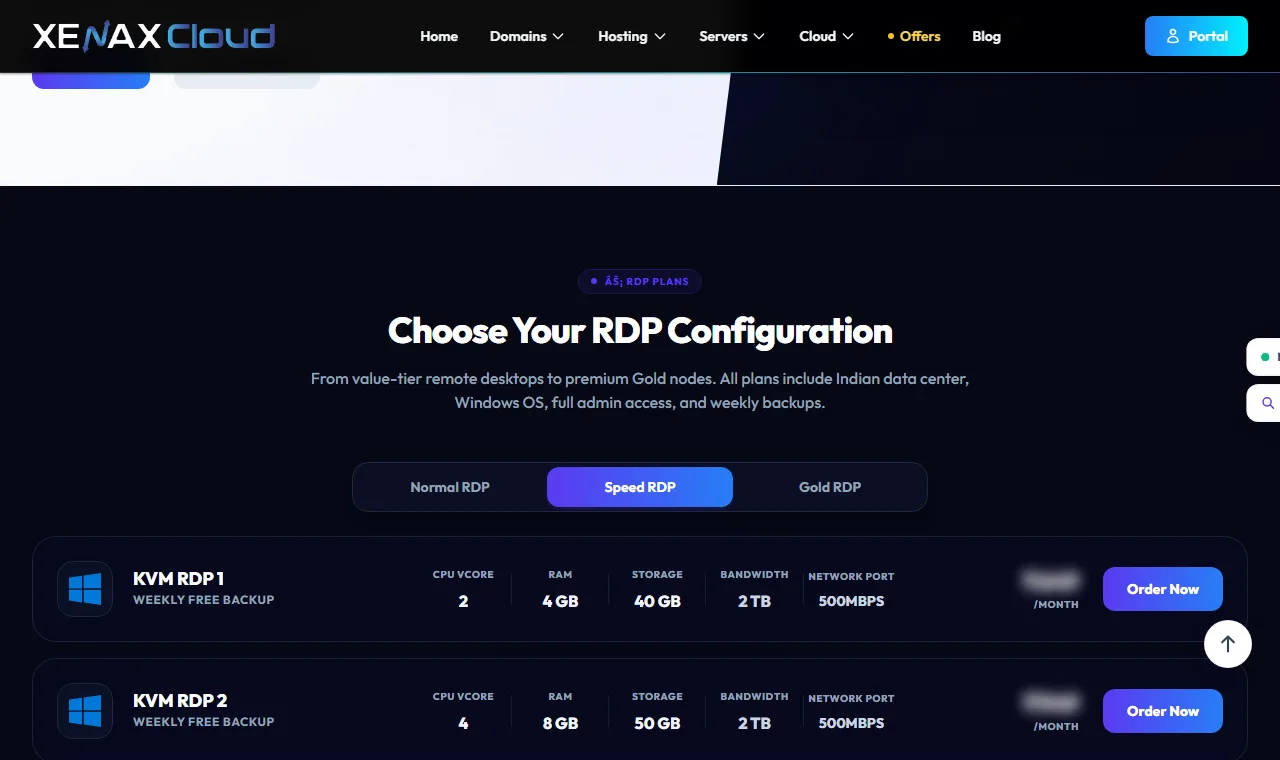
If half your office PCs fail the Windows 11 check, upgrade the ones that pass and move the rest of the team’s work to a Xenax Cloud Windows RDP server, keeping the old PCs as screens until they need replacing anyway.