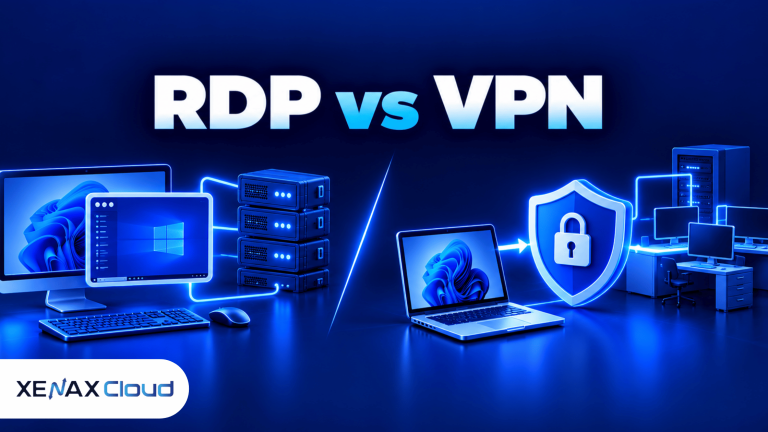
VDI vs VPN is a choice between moving the user to the data and moving the data’s work to a server. A VPN (virtual private network) connects a remote laptop to the office network, so files travel to that laptop. VDI keeps the desktop and files on a server and sends only the screen. VDI protects data better; a VPN is simpler.
Both let staff work from home. They differ on where company data ends up, how fast heavy software feels on Indian broadband, and what happens when a laptop goes missing.
What does a VPN do for remote work?
A VPN creates an encrypted tunnel from a laptop to your office network or server. Once connected, the laptop behaves as if it were plugged in at the office: it can open shared folders, reach the office accounting server and print to office printers.
The important detail is that the laptop does the work. When an employee opens a large Excel file from a shared folder over the VPN, the whole file crosses the internet to the laptop, gets edited there and travels back. A copy often stays in the laptop’s temporary folders.
We have compared tunnels with desktops before in RDP vs VPN, and the same logic carries over to VDI.
What does VDI do for remote work?
VDI (virtual desktop infrastructure) gives each remote worker a Windows desktop that runs on a server. The employee connects with the Remote Desktop app; the server runs the programs and sends back screen updates.
The laptop never receives the files. A 200 MB Tally company or a 50 MB Excel sheet stays in the data centre, and only a few kilobytes of screen changes cross the line each second. Read what is VDI for the full picture of how the desktop is hosted.
VDI vs VPN security: which keeps data safer?
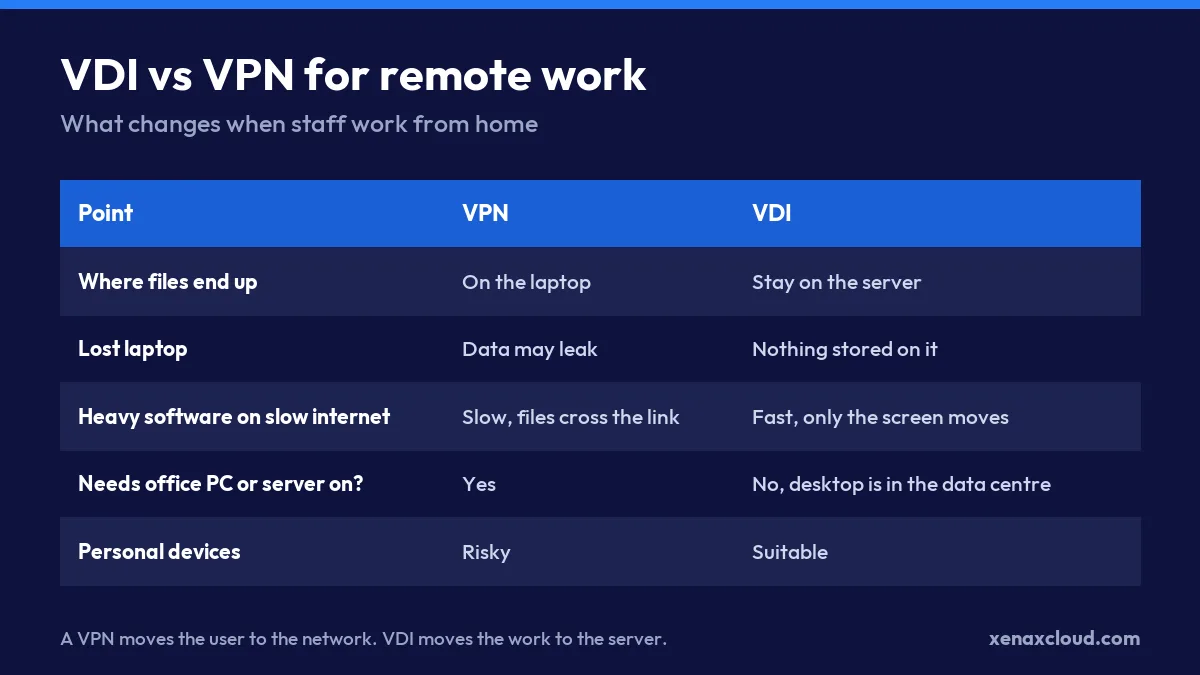
On VDI vs VPN security, VDI keeps data safer when staff use personal or unmanaged devices, because nothing is stored on the device. A VPN is safe only if the laptop itself is secured, encrypted and kept free of malware.
Three risks to compare:
- Lost or stolen laptop. With a VPN, synced files and cached copies leave with the laptop. With VDI, there is nothing to leak; you disable one login.
- Infected home PC. A VPN joins that PC to your network, so malware can scan shared folders. With VDI, the PC sees only a picture of the desktop. You can also block drive and clipboard sharing.
- Staff leaving. With a VPN, files may already sit on their machine. With VDI, data never left the server.
A VPN still adds value as a gate. Some firms let the Remote Desktop port answer only to VPN users or to a list of office IP addresses, which hides the VDI server from the open internet.
VDI vs VPN performance on Indian internet
VDI usually performs better for heavy business software over ordinary broadband or 4G, because the processing and the database sit next to each other in the data centre. A VPN performs better for local tasks such as video calls, since the laptop handles media itself.
| Task | Over a VPN | Over VDI |
|---|---|---|
| Opening a large Tally company | Slow, data crosses the link | Fast, data stays on the server |
| Editing a big shared Excel file | Slow, file downloads first | Fast |
| Video calls | Fine, laptop handles media | Use the laptop’s own app instead |
| Printing a bill at home | Sends print jobs over the tunnel | Works through printer redirection |
| Working on a weak 4G signal | Database apps may corrupt or freeze | Screen lags, data stays safe |
That last row matters for accounting software. A database program that loses its connection halfway through a write over a VPN can damage the company file. On VDI, a dropped connection only freezes the picture; the program keeps running on the server and you reconnect to the same session.
Which costs more, VDI or VPN?
A VPN costs less to start, because you only need VPN software on an existing office server or router. VDI costs more because you rent or buy servers for the desktops. The gap narrows once you count what a VPN quietly requires: an office server that stays on all day, a UPS, a static IP and someone to fix it.
A worked example: a Chennai distributor with four remote staff and a VPN to an office PC still pays for the office PC’s electricity, its UPS batteries and the internet line that must never drop. With VDI, the office PC can be switched off, and the desktops live in a data centre with backups.
When should you use VDI, a VPN, or both?
Use VDI when data must not leave the company, when staff use personal laptops, or when your software is heavy. Use a VPN when staff have company laptops and mostly need light access to a few shared files. Use both when you want VDI’s data protection and a VPN’s hidden entry point.
- VDI only: a CA firm whose articles work from home on their own laptops.
- VPN only: a design studio where every designer has a powerful company laptop and works on local files.
- Both: a hospital billing team where the VDI server accepts connections only through the VPN.
Whichever you choose, lock down Remote Desktop properly. Our secure remote desktop guide lists the settings, and RDP for remote employees covers day-to-day setup.
How to limit who can reach a VDI server
Restricting the Remote Desktop port to known IP addresses is the quickest win on a VDI server. In Windows Defender Firewall you can allow port 3389 only from your office IP. In PowerShell:
New-NetFirewallRule -DisplayName "RDP office only" -Direction Inbound -Protocol TCP -LocalPort 3389 -RemoteAddress 203.0.113.10 -Action AllowReplace 203.0.113.10 with your office’s static IP, then disable the broader default Remote Desktop rule. Keep your own admin session open while you test, so a mistake does not lock you out.
If staff work from homes with changing IP addresses, an allow-list will keep blocking them. In that case, put the allow-list on the VPN gateway instead: staff connect to the VPN first, and the VDI server accepts Remote Desktop only from the VPN’s address range. That combination gives you the best of VDI vs VPN together, with data on the server and an entry point strangers cannot see.
Xenax Cloud Windows RDP vs the usual alternatives
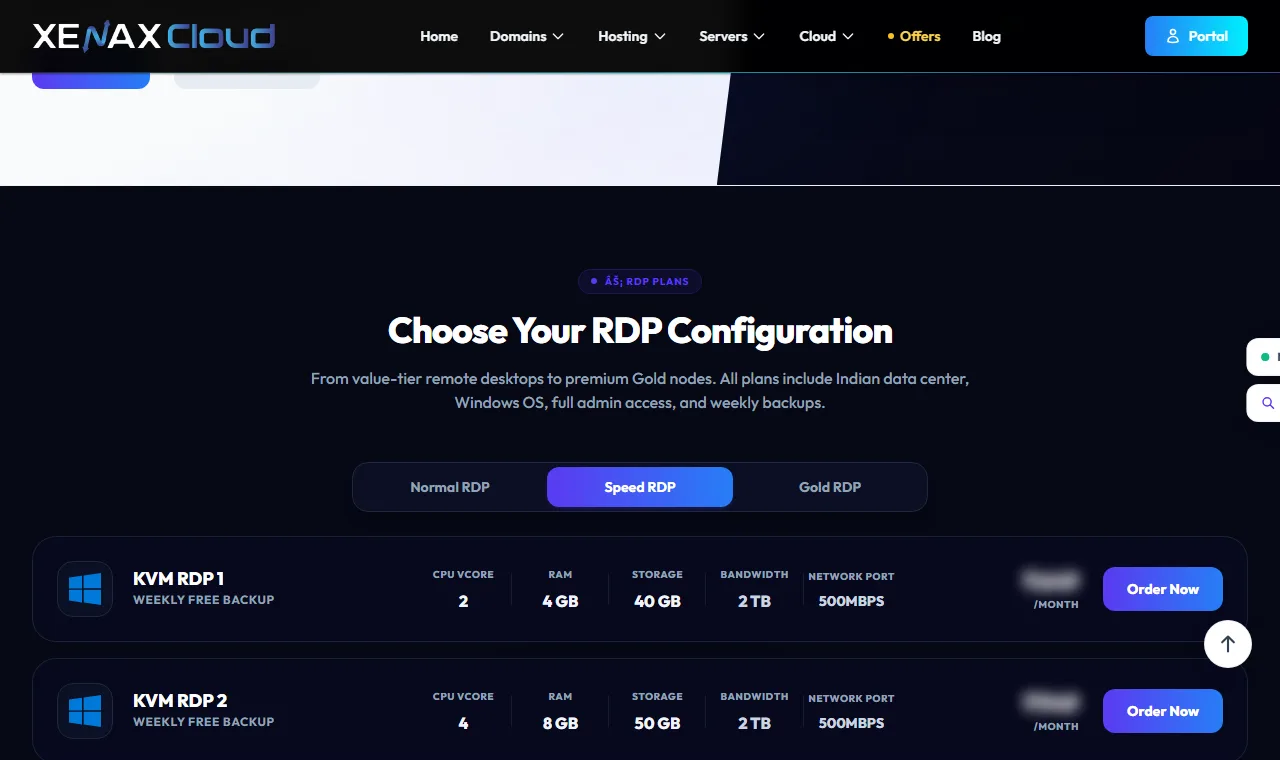
| Feature | Xenax Cloud | Typical Indian shared host | Global budget host |
|---|---|---|---|
| Starting price | ₹649/mo | ₹199/mo | ₹149/mo (renews ₹499) |
| Storage | 40 GB SSD storage | 10 GB SSD | 25 GB SSD |
| DDoS protection | 100 Gbps, always on | Basic | Cloudflare only |
| Support | 24×7, in-house engineers | Tickets, business hours | Chat, outsourced |
| Data centre | India (NVMe) | India | Singapore / US |
| Control panel | cPanel / WHM included | cPanel | Custom panel |
Entry-level plans, list prices including GST where shown. Check each provider before buying — prices change.
See Windows RDP plansVDI vs VPN: FAQs
Is VDI better than VPN?
For keeping data off personal devices and running heavy software over slow lines, yes. For light access from company laptops, a VPN is simpler and cheaper.
Do I need a VPN to use VDI?
No. VDI works over the internet with the Remote Desktop app. A VPN or an IP allow-list is an extra layer that hides the server from strangers.
Is VDI and VPN the same thing?
No. A VPN is a network tunnel. VDI is a hosted desktop. They solve different problems and often work together.
Which is faster for Tally from home?
VDI. Tally’s data stays next to the program on the server, so reports open at server speed. Over a VPN, Tally’s data has to cross your home internet line.
Can a VPN protect a VDI server?
Yes. Allow Remote Desktop only from VPN users or from fixed office IPs, so the login screen is not visible to the whole internet.
If your remote staff use their own laptops or work in Tally and Excel all day, choose a Xenax Cloud Windows RDP server as their desktop and add an IP allow-list; keep a VPN for the few staff who only need light file access.