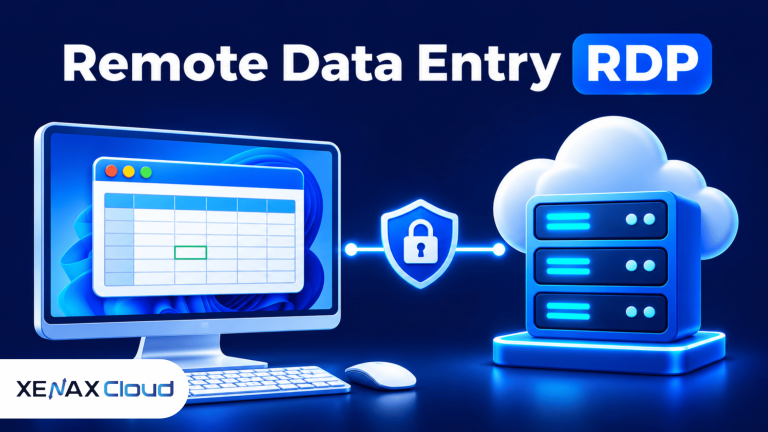
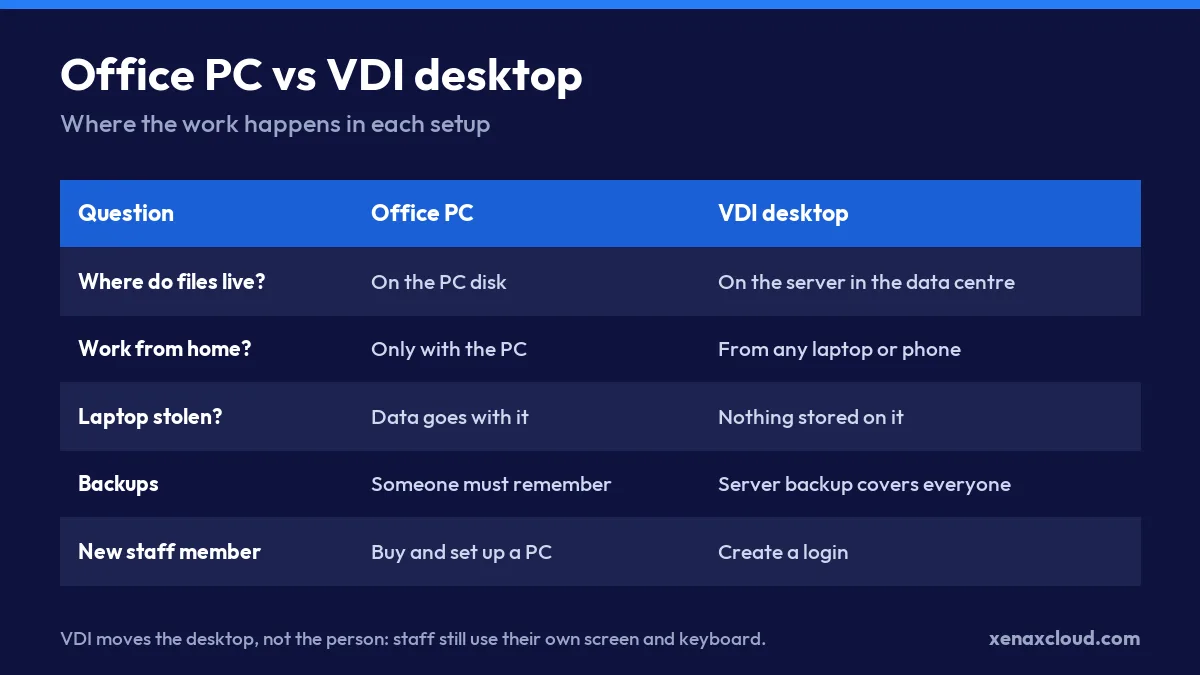
What is VDI? VDI, or virtual desktop infrastructure, means your employees’ Windows desktops run on a server in a data centre instead of on the PC in front of them. Their laptop, office PC or phone only shows the screen and sends keystrokes, so files, software and work stay on the server.
This guide explains the VDI meaning in plain terms, how a virtual desktop actually works, the two setups small Indian businesses use, and how to tell whether you need it.
What is VDI in simple words?
VDI is a way of keeping the computer in the data centre and giving each person a window into it. When a staff member opens the Remote Desktop app and logs in, they see a normal Windows desktop with their files, Tally, Excel and browser. Everything runs on the server; their own device only displays it.
The full form is virtual desktop infrastructure. “Virtual desktop” is the Windows screen a person works on. “Infrastructure” is the server, storage and network that host those desktops.
Picture a Surat textile trader with six staff. Today each person saves bills on their own PC, and the owner cannot see anything from home. With VDI, all six log in to desktops on one server in India. The owner checks the same data from a phone at night, and when one office PC dies, the person simply logs in from another machine.
How does VDI work?
VDI works by streaming a desktop from the server to the user over a remote display protocol. On Windows that protocol is RDP (Remote Desktop Protocol), which sends screen updates one way and mouse and keyboard input the other.
A typical session looks like this:
- The user opens the Remote Desktop Connection app (or the Windows App on a Mac, iPhone or Android phone).
- They type the server address and their own username and password.
- The server starts or reconnects their desktop session.
- Only the changing parts of the screen travel over the internet, compressed.
- When they close the window, the session can keep running, so long jobs finish on their own.
Because only the screen moves, an old laptop on a normal broadband line can run heavy software comfortably. The processor, RAM and disk that do the work belong to the server.
You can see who is logged in on a Windows server with one command in PowerShell or Command Prompt:
query userThe output lists each username, their session name (for example rdp-tcp#3), the state (Active or Disc for disconnected) and the idle time. That is the quickest way to check how many people are using the server right now.
What are the types of VDI?
There are two common types of VDI for a small or mid-sized business: one desktop per person, and one shared server with a separate session for each user. Large enterprises add a third layer of brokers and pools, but most Indian teams under 50 people never need it.
| Setup | How it works | Good for | Watch out for |
|---|---|---|---|
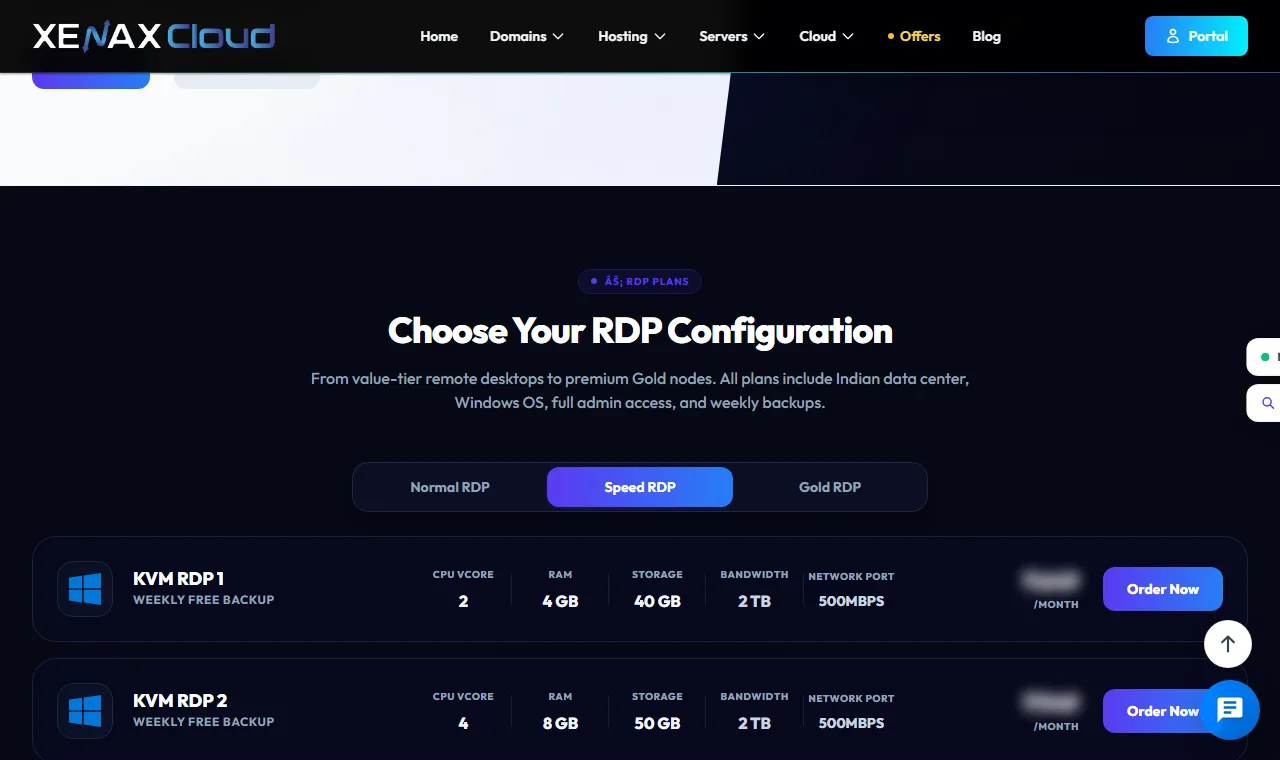
| One cloud desktop per person | Each user gets their own Windows server | Developers, heavy Excel or Tally users, people who install software | More servers to manage |
| Shared server, one session each | Several users log in to one Windows server | Office teams using the same software | Microsoft RDS licences for more than two users at once |
| Enterprise pooled VDI | A broker hands out desktops from a pool | Hundreds of identical desktops | Needs dedicated IT staff |
Persistent and non-persistent desktops
A persistent desktop keeps the user’s files, settings and installed programs between logins. A non-persistent desktop resets to a clean copy each time. Small businesses almost always want persistent desktops, because staff expect their Tally company, browser bookmarks and Excel files to be where they left them.
What is VDI used for in an Indian business?
VDI is used whenever several people need the same software and data from different places. The common cases we see:
- Accounts teams: Tally or Busy on one server, used by the accountant, the owner and the CA from three locations.
- Call centres and support desks: agents log in to desktops that hold the CRM, so customer data never sits on home laptops.
- CA and tax firms: each article assistant works on a desktop with the client files, and the partner controls access.
- Developers: a powerful build machine in the data centre instead of a heavy laptop.
- E-commerce sellers: seller panels, label printing and inventory sheets open from any desk.
If you already rent one Windows server, you are using the simplest form of VDI. Our guide to Windows RDP for multiple users shows how to add a second login safely.
What does VDI need to run?
VDI needs a server with enough RAM and CPU for everyone logged in at the same time, fast disk, a stable internet link and the right licences. The server is the expensive part of a do-it-yourself setup, which is why most small firms rent one in a data centre instead of buying hardware.
Our planning rule of thumb for Windows desktops:
- Windows Server itself: about 2 GB of RAM.
- Each office user with Tally, Excel and a browser: 1 to 2 GB.
- Each heavy user with many Chrome tabs or large Excel files: 2 to 4 GB.
- Disk: SSD or NVMe, because many users read and write at the same time.
So a team of four light users needs roughly 2 + (4 × 1.5) = 8 GB of RAM. Measure the real number in Task Manager after a week and adjust.
On licences: Windows Server lets two people use Remote Desktop at the same time for administration. If more than two people must work on one shared server at once, Microsoft requires Remote Desktop Services client access licences (RDS CALs). Microsoft explains this on its Remote Desktop Services licensing page. The other route is one server per person, which avoids the question.
Is VDI safe for company data?
VDI is safer than files spread across laptops, because data stays in one place that you control and back up. If a laptop is stolen or an employee leaves, you disable one login and nothing is lost.
It still needs basic care:
- Give every person their own username. Never share one password.
- Use strong passwords and lock accounts after repeated failed logins.
- Restrict who can reach port 3389, or change it, and keep Windows updated.
- Turn off clipboard and drive sharing for staff who handle sensitive customer data.
- Keep a backup schedule and test a restore once.
Our step-by-step guide on how to secure an RDP server covers each of these settings.
Do you need VDI? A quick decision check
You need VDI if at least two of these are true: staff work from more than one place, several people use the same software or data, you worry about data on personal laptops, or your office PCs keep failing. If one person works from one desk, a normal PC and a good backup are enough.
| Your situation | Our suggestion |
|---|---|
| 1 to 2 people, one software like Tally | One Windows RDP server, one login each |
| 3 to 10 office users | One cloud desktop per person, or a shared server with RDS licences |
| Developers or heavy users | One stronger server per person |
| Only a website or app back-end | A Linux VPS, not VDI |
For the accounts-only case, Tally on cloud for small business explains a ready-made route.
What is VDI: FAQs
What is the full form of VDI in computers?
VDI stands for virtual desktop infrastructure. It means desktops run on servers in a data centre and users reach them over the network from any device.
Is VDI the same as Remote Desktop?
Not exactly. Remote Desktop (RDP) is the protocol that shows a remote screen. VDI is the whole setup of servers and desktops for many users, and on Windows it usually uses RDP underneath.
Can I use VDI on a phone?
Yes. Microsoft’s Windows App for Android and iPhone connects to the same desktop. It is fine for checking reports and approvals; for full-day work, use a laptop or a PC.
How fast does my internet need to be for VDI?
Office work over RDP usually runs well on a normal broadband or 4G connection, because only screen changes are sent. Video playback and graphics work need much more bandwidth, so test your own software first.
Does VDI need special hardware in the office?
No. Any working Windows PC, Mac, thin client or phone with a Remote Desktop app will do. The heavy hardware sits in the data centre.
If your team is two to ten people who share Tally, Excel or a CRM, start with one Xenax Cloud Windows RDP server as a pilot, measure RAM per user for a week, and then decide between one desktop per person and a shared server.