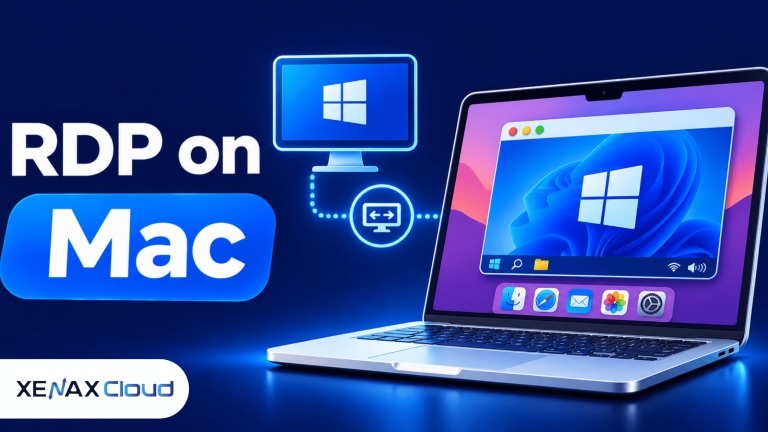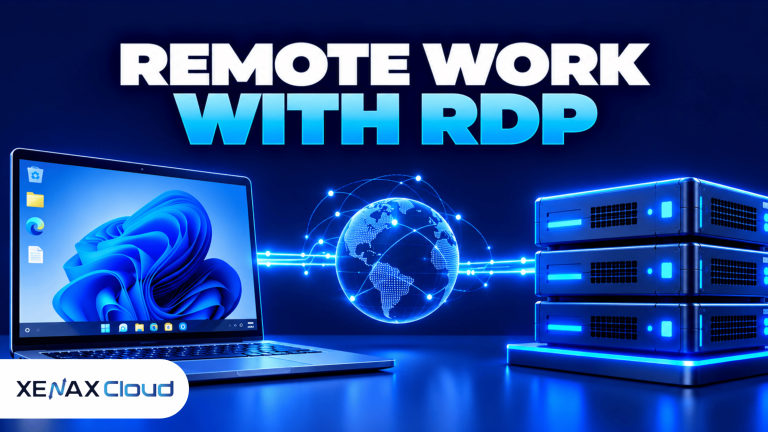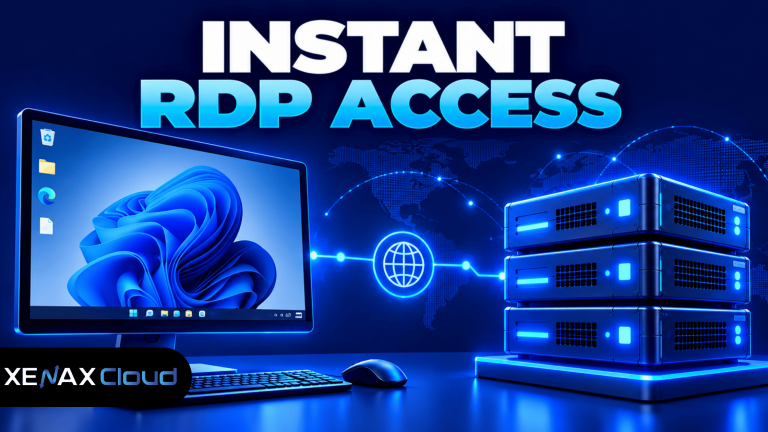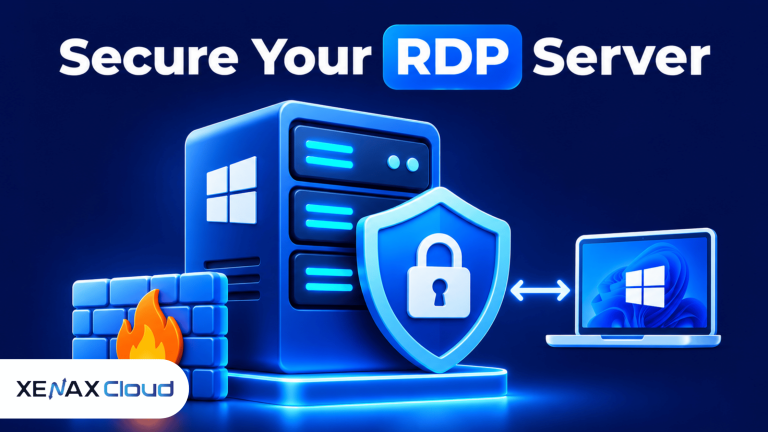
RDP Windows 10 is one of the easiest and most reliable ways to access a Windows computer remotely. Whether you’re working from home, managing office systems, supporting clients, or running business applications, Remote Desktop Protocol (RDP) allows you to control a Windows 10 machine from almost anywhere with an internet connection.
As remote work and cloud computing continue to grow worldwide, businesses need secure and high-performance remote desktop solutions. Modern Indian data centers have become a preferred hosting destination because they offer cost-effective infrastructure, low latency across Asia, competitive global connectivity, enterprise-grade security, and excellent scalability. These advantages make Indian hosting an ideal choice for businesses serving both regional and international users.
In this RDP Windows 10 guide, you’ll learn how Remote Desktop works, its advantages, common use cases, and practical RDP Windows 10 tips for choosing the right remote desktop solution.

What Is RDP Windows 10?
RDP Windows 10 refers to Microsoft’s Remote Desktop Protocol running on Windows 10 systems. It allows users to connect to another Windows computer remotely while experiencing the desktop almost as if they were sitting in front of it.
After connecting, users can:
- Access files and folders
- Run Windows applications
- Install software
- Manage settings
- Transfer documents
- Perform administrative tasks
This makes Windows 10 Remote Desktop useful for businesses, developers, IT administrators, freelancers, and remote employees.
Unlike screen-sharing software, Remote Desktop creates a dedicated remote session with better performance and more administrative capabilities.
Why Use RDP Windows 10?
Many businesses rely on RDP Windows 10 because it improves productivity while reducing the need for expensive on-site hardware.
Work From Anywhere
Employees can securely connect to their office computers from home, client locations, or while traveling.
Better Productivity
Remote access allows staff to continue using familiar Windows applications without carrying powerful local computers.
Easy IT Management
System administrators can troubleshoot computers, install updates, configure software, and resolve technical issues remotely.
Lower Hardware Costs
Organizations can centralize computing resources instead of purchasing expensive computers for every employee.
How Does RDP Windows 10 Work?
Remote Desktop Protocol works by transmitting keyboard input, mouse movements, and screen updates between two computers.
Instead of transferring the entire operating system, RDP sends only the graphical display and user actions across the network.
The connection generally includes:
Remote Authentication
Users authenticate using authorized Windows credentials before access is granted.
Encrypted Communication
Modern RDP connections use encryption to protect login credentials and transmitted data.
Remote Session
Once connected, users receive a full Windows desktop where they can work just like on a local computer.
File and Printer Sharing
Many RDP configurations allow secure sharing of local files, printers, and clipboard content between devices.
How to Choose the Right RDP Windows 10 Solution
Choosing the right remote desktop environment depends on your business requirements.
CPU Performance
Office applications require moderate processing power, while development software and multiple simultaneous users need additional CPU resources.
RAM Requirements
General recommendations include:
| Workload | Recommended RAM |
|---|---|
| Personal Remote Access | 4 GB |
| Business Applications | 8 GB |
| Software Development | 8–16 GB |
| Database Applications | 16 GB+ |
| Multiple Users | 16 GB+ |
Storage Capacity
Ensure enough storage is available for:
- Windows updates
- Installed applications
- User documents
- Shared files
- Business software
- Backup data
Planning ahead prevents unnecessary upgrades later.
Network Reliability
A premium network significantly improves Remote Desktop responsiveness and reduces latency during daily work.
Real-World Use Cases of RDP Windows 1
Businesses across different industries use RDP Windows 10 to simplify daily operations and improve productivity. Because users can securely access a Windows desktop from almost anywhere, remote work becomes more efficient without compromising performance.
Remote Employees
Organizations allow employees to access office computers securely while working from home or traveling. This ensures business applications remain available without moving sensitive data to personal devices.
IT Support
IT professionals use RDP Windows 10 to troubleshoot issues, install software, configure settings, and maintain systems remotely. This reduces downtime and eliminates the need for on-site visits.
Software Development
Developers often use Windows remote desktop environments to test applications, run development tools, and build software projects in a consistent environment.
Business Applications
Many companies host accounting software, CRM platforms, ERP systems, Microsoft Office applications, and SQL Server databases on Windows remote desktop servers for centralized management.
Scalability Options for Startups and Agencies
One of the biggest advantages of RDP Windows 10 is its flexibility as business requirements grow.
A startup may initially require a single remote desktop for internal work. As additional employees join the company, more CPU, RAM, storage, and user accounts can be added without replacing the existing infrastructure.
Digital agencies also benefit from scalable RDP environments because they can create separate workspaces for designers, developers, project managers, and support teams while maintaining secure isolation between projects.
Instead of investing in expensive hardware every few years, businesses simply upgrade their virtual resources whenever additional performance is needed.
Indian Hosting vs Foreign Hosting
| Feature | India | US | Canada | Germany | UAE |
|---|---|---|---|---|---|
| Latency Across Asia | Excellent | Moderate | Moderate | Moderate | Good |
| Global Connectivity | Very Good | Excellent | Excellent | Excellent | Good |
| 24/7 Technical Support | Available | Available | Available | Available | Available |
| Fast Provisioning | Yes | Yes | Yes | Yes | Yes |
| Enterprise Security | Excellent | Excellent | Excellent | Excellent | Excellent |
| Scalability | Excellent | Excellent | Excellent | Excellent | Good |
| Reliable Uptime | Excellent | Excellent | Excellent | Excellent | Excellent |
Best RDP Windows 10 Plans
If you’re planning to deploy RDP Windows 10 for business or professional use, selecting the right server configuration is essential.
For individual professionals and small businesses, NORMAL KVM RDP 1 — 2 Vcore CPU, 8GB RAM, 40GB Storage, 2TB Bandwidth — see current pricing provides reliable performance for remote desktop access and everyday business applications.
Growing teams should consider NORMAL KVM RDP 2 — 4 Vcore CPU, 16GB RAM, 50GB Storage, 4TB Bandwidth — see current pricing, which offers additional computing power for multiple users and heavier workloads.
Organizations running enterprise applications, software development environments, or multiple concurrent remote desktop sessions can choose NORMAL KVM RDP 3 — 8 Vcore CPU, 32GB RAM, 80GB Storage, 5TB Bandwidth — see current pricing for enhanced performance and scalability.
The latest discounts and promotional offers are always available on the XenaxCloud Offers page.
Frequently Asked Questions
What is the difference between Indian VPS and foreign VPS?
Can Indian servers handle global website traffic?
Is Indian hosting cost-effective for international users?
How reliable is XenaxCloud hosting?
How do I choose the right server for my business?
Conclusion
Using RDP Windows 10 is an effective way to provide secure remote access, improve team productivity, and centralize business applications. Whether you’re supporting remote employees, managing software development, or running business-critical applications, a reliable Windows remote desktop environment offers the flexibility and performance needed for long-term growth.
XenaxCloud combines enterprise-grade infrastructure, secure Indian data centers, low-latency connectivity, and scalable RDP solutions to help businesses operate efficiently across regional and global markets. If you’re ready to deploy a dependable RDP Windows 10 environment, explore XenaxCloud’s managed RDP solutions backed by a 15-day money-back guarantee. Be sure to visit the XenaxCloud Offers page to discover the latest deals and choose the plan that best fits your business.